
Keep browser permissions aligned with deployment
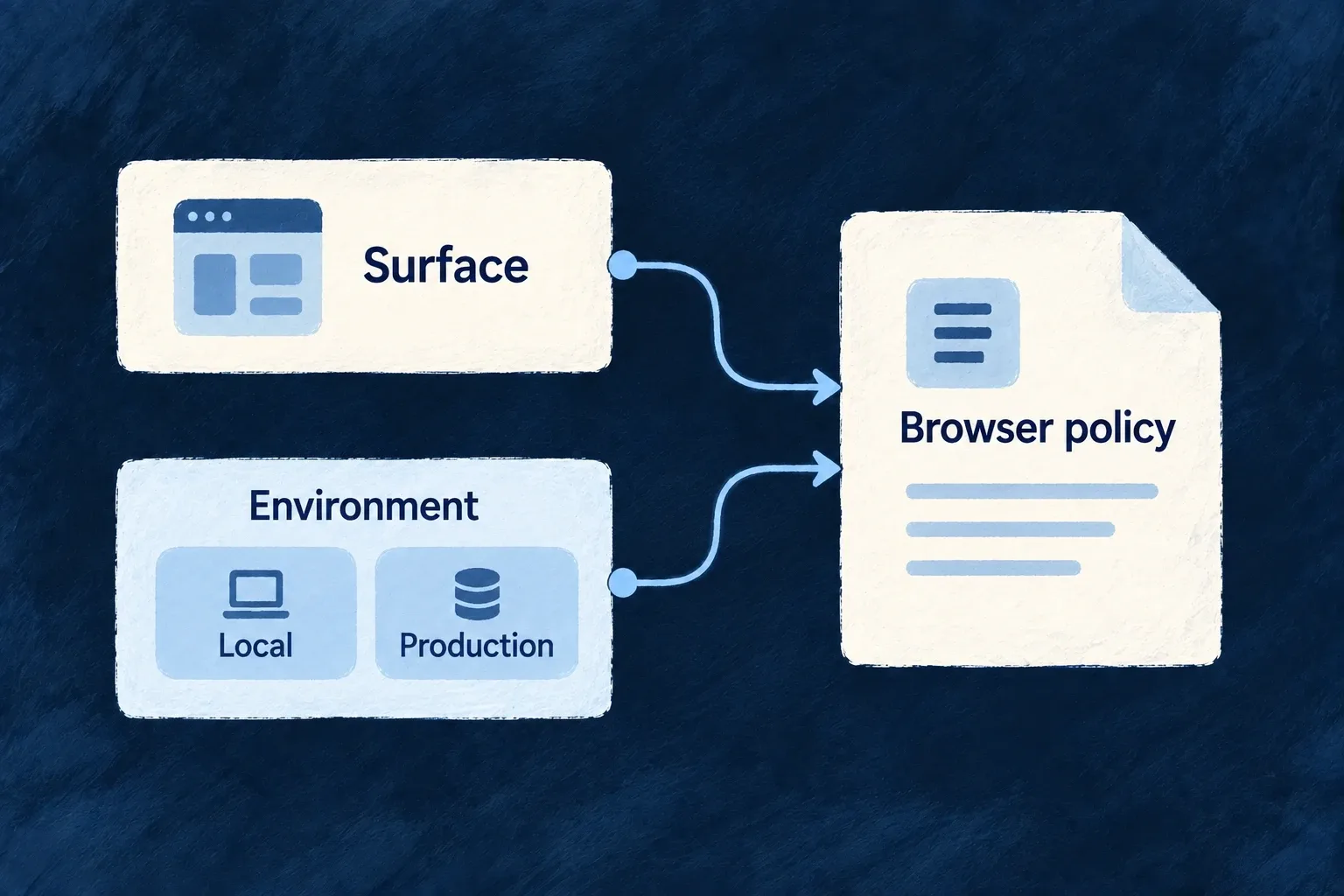
A browser surface needs permission to contact its services and load its assets. Wildo combines the surface’s policy with environment settings and declared provider requirements, then produces the artifacts used to serve it.
The application, website and documentation can have different needs without maintaining unrelated policy strings. You choose the allowed connections and whether a policy reports violations or enforces them.
Example — Local development and production use different origins
A development application may contact a localhost API. Its production deployment uses its configured production origin, while documentation and website surfaces receive the policy intended for each of them.
For engineers
Wonder Todos declares the application surface in wildo.saas.config.ts with this selected service block:
    app: {
      path: './frontend',
      serviceName: 'wonder-todos-app',
      defaultPort: 4242,
      frontendType: AppFrontendType.SAAS_APP,
      csp: {
        enabled: true,
        reportOnly: true,
      },
    },
This actual example is report-only: it reports violations instead of blocking requests. Its local infrastructure configuration separately adds the required backend origin and PDF worker sources:
    app: {
      extraDirectives: {
        'connect-src': ['http://localhost:4241'],
        // PDF.js parses documents on a Web Worker, and the worker asset is emitted
        // same-origin by the bundler (resolved through `import.meta.url`, never a
        // CDN). Bundlers may instantiate it through a blob shim, so both sources are
        // required — without them a PDF field renders an empty viewer and the only
        // signal is a CSP violation in the console.
        'worker-src': ["'self'", 'blob:'],
      },
    },
The selected block comes from the infrastructure csp map. Website and technical-documentation surfaces have their own service configuration rather than inheriting the app’s permissions accidentally.
Emit the policy for the intended deployment
The owning CLI entrypoint is:
wildo dev sync-csp --env local --service app
This command example names the service key from the declaration above. The resolver combines the surface baseline, authored posture, environment overrides and available declared-provider footprints. It writes src/generated/csp.generated.json and updates the nginx marker regions used for the served header. Browser-surface adapters consume the generated artifact rather than recomputing a separate policy.
Use the actual deployment environment for release preparation. Validate the served header and real asset/API/provider requests before changing report-only to enforcement. A generated file proves what was emitted; the server must still deliver it, and report-only mode never establishes request blocking. Keep generated nginx regions and artifacts under their owning CLI workflow rather than hand-editing them.