
Ship the browser policy you configured
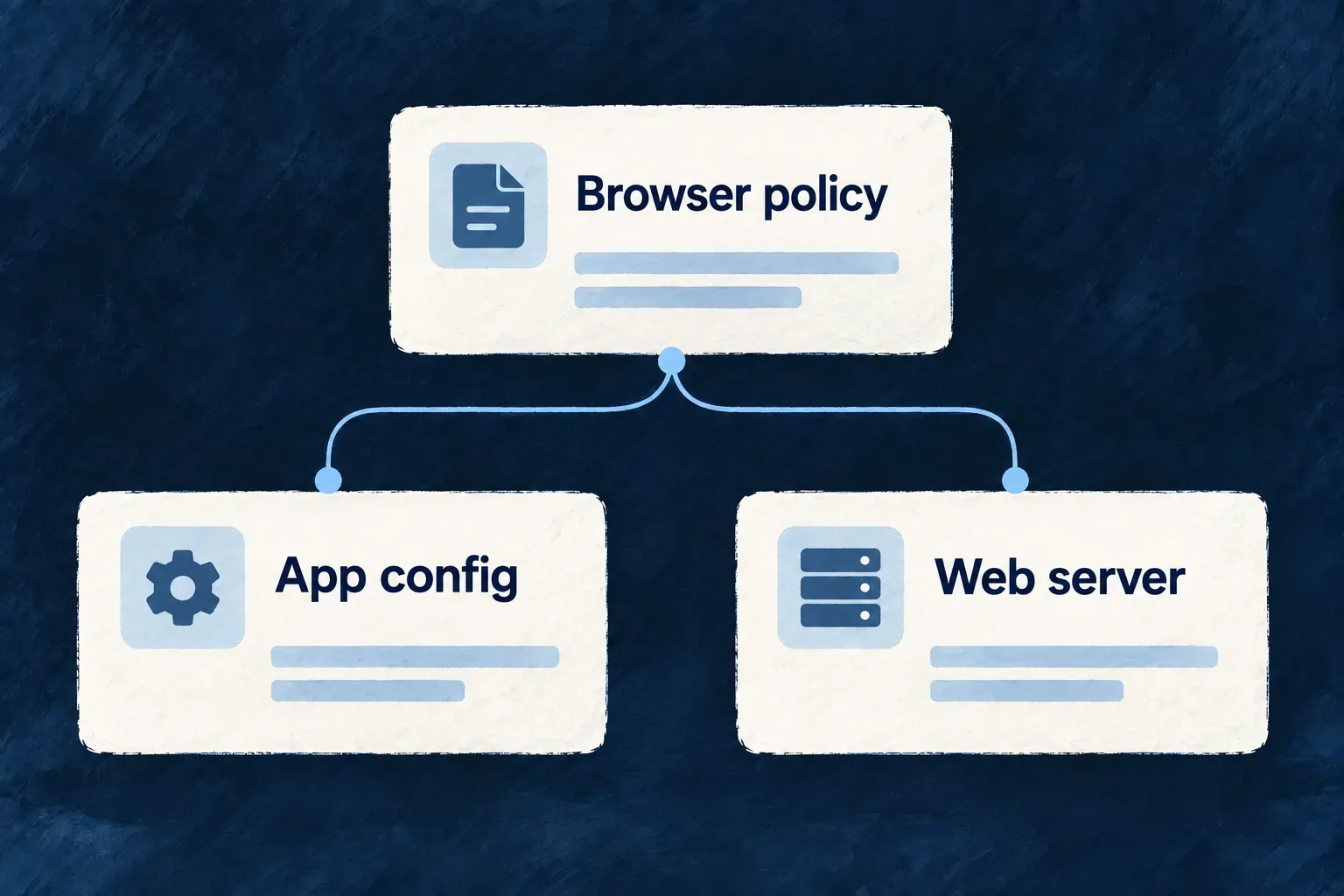
A browser security policy must reach the server that actually serves the application. Wildo resolves each surface’s policy for the selected environment and writes both its generated application artifact and the marked policy region in its web-server configuration.
Check mode detects drift without rewriting files. You choose whether a policy reports violations or enforces restrictions, and verify the delivered header in the deployed environment.
Example — Release with the right API origin
A remote application calls a different API address from local development. Generate the browser policy for that environment before packaging the surface, so its connection rules and server header describe the intended destination.
For engineers
Resolve an explicit environment
From an application root, with a declared production environment and an app frontend service, this command sequence first reports drift, then refreshes and verifies the artifacts:
wildo dev sync-csp --env production --service app --check

# After reviewing a reported difference:
wildo dev sync-csp --env production --service app
wildo dev sync-csp --env production --service app --check
--check performs the same resolution without writes and exits nonzero for stale output. Omit --service to cover the CSP-capable frontends. Environment resolution uses --env, then WILDO_INFRA_ENV, then the active environment; production execution refuses an implicit local fallback.
What is composed and written?
The resolver combines the surface baseline, application policy, environment overrides and declared provider footprints. Provider origins are service-specific and come from materialized provider data; run configuration synchronization after changing provider declarations.
| Output | Consumer | Release responsibility |
|---|---|---|
src/generated/csp.generated.json | The surface’s CSP configuration adapter | Generate it for the target environment before packaging |
| Marked nginx policy regions | The web server serving the built surface | Copy the updated configuration into the runtime image |
The writer preserves nginx text outside the policy markers. It rejects invalid service policy keys and missing required API connection origins before emitting the artifact set. Development startup also invokes synchronization.
Reporting and enforcement are different choices
For the SaaS application surface, an omitted policy defaults to enabled, report-only behavior. An environment named production does not itself turn enforcement on. Inspect reportOnly and the emitted header name: Content-Security-Policy-Report-Only reports; Content-Security-Policy enforces.
Generated files and check mode establish agreement with current configuration. Inspect the actual response header and browser behavior after deployment to establish what users receive; a correct source artifact alone cannot prove the running server uses it.