
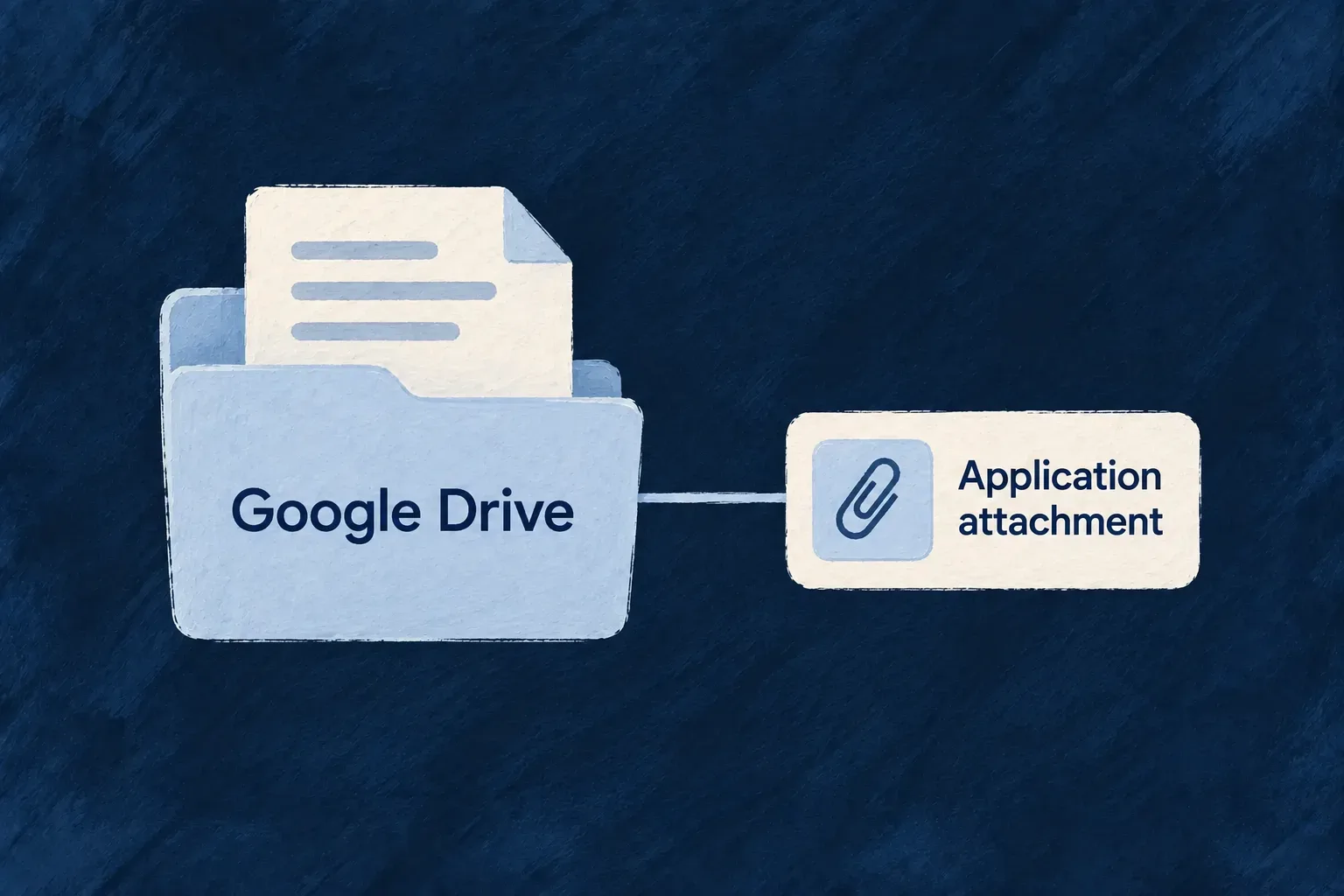
Keep a document connected to its owner’s Drive
A document can remain in a person’s Google Drive while the application keeps a controlled reference to it. Wildo connects that reference to the file field, so it participates in the application’s file access and lifecycle.
The connection belongs to the uploader or linker. Reading through the application uses that person’s delegated Drive access after application authorization, without exposing their credential to the reader.
Example — Attach a file that already lives in Drive
A person chooses a PDF from their connected Drive. The backend checks the provider’s own file metadata before accepting the reference. Colleagues with application access can then request it through the file route, while removing the application attachment leaves the original Drive file in place.
For engineers
Connect the picker and backend storage
The frontend picker must declare remote-reference delivery and the matching file storage. The backend uses the catalogue google-drive connected provider with a user-owned delegated service connection; the google sign-in provider is a different purpose. The field must explicitly include FileStorageAccepted.GOOGLE_DRIVE.
The upload handler resolves the named connected provider and checks the field’s allowed destinations before describing the remote file. From resource-file-upload-handler.backend.service.ts, comments and subsequent configuration validation are omitted.
const storageProvider = this.fileStorageRouter.resolveProviderForConnectedProvider(link.providerRef);
if (storageProvider === undefined || storageProvider.describeRemoteReference === undefined) {
  throw this.errorBuilder.buildError(ErrorType.VALIDATION, executionContext, {
    customMessageReference: ErrorCustomMessageReference.FILE_REMOTE_REFERENCE_PROVIDER_UNKNOWN,
    context: { resourceType, fieldName, providerRef: link.providerRef },
  });
}
const storageAccepted = fieldMeta?.fileMetadata.storageAccepted ?? [];
if (!storageAccepted.includes(storageProvider.providerId)) {
  throw this.errorBuilder.buildError(ErrorType.VALIDATION, executionContext, {
    customMessageReference: ErrorCustomMessageReference.FILE_REMOTE_REFERENCE_STORAGE_NOT_ACCEPTED,
    context: { resourceType, fieldName, providerRef: link.providerRef, storage: storageProvider.providerId, storageAccepted },
  });
}
Distinguish a reference from a byte upload
Remote-reference requests carry a provider and external file ID. The server fetches authoritative name, MIME type and size, then applies field constraints before creating file metadata or consuming an upload grant. Google-native Docs or Sheets without a byte size must be exported to an ordinary file first.
Multipart uploads are also supported: the provider buffers within the configured size ceiling and writes the result into the uploader’s Drive. It uses filePathBinding’s file name, but does not create its composed folder hierarchy. Listing Drive first in a byte-upload preference list can therefore send a locally selected file to Drive.
Read using the original owner’s connection
The Drive provider resolves the file’s recorded uploader, fetches current vendor metadata and requests the bytes. This excerpt from google-drive-storage-provider.backend.service.ts omits explanatory comments and retains the response guard and byte-stream mapping.
async download(file: StoredFileStorageTarget, executionContext: ExecutionContext<any>): Promise<StorageDownloadResult> {
  const externalId = this.requireStorageRef(file, executionContext);
  const token = await this.resolveLinkerToken(file, executionContext);
  const wire = await this.fetchMetadata(externalId, token, executionContext, file.fileId);
  const description = this.toDescription(wire, externalId, executionContext);
  const response = await this.call(
    `${GOOGLE_DRIVE_FILES_URL}/${encodeURIComponent(externalId)}?alt=media&supportsAllDrives=true`,
    { method: 'GET', headers: { authorization: `Bearer ${token}` } },
    executionContext,
    { fileId: file.fileId, storageRef: externalId },
  );
  if (response.body === null) {
    throw this.errorBuilder.buildError(ErrorType.EXTERNAL_SERVICE, executionContext, {
      customMessageReference: ErrorCustomMessageReference.EXTERNAL_SERVICE,
      context: { message: 'Google Drive answered a media request with no body', fileId: file.fileId },
    });
  }
  return {
    stream: Readable.fromWeb(response.body as unknown as WebReadableStream<Uint8Array>),
    contentType: response.headers.get('content-type') ?? description.contentType,
    size: description.size,
    ...(description.etag !== undefined ? { etag: description.etag } : {}),
    ...(description.lastModified !== undefined ? { lastModified: description.lastModified } : {}),
  };
}
Keep remote ownership visible in the lifecycle
Deleting or erasing the application reference deliberately does not delete the file in Drive, including a file uploaded through this provider. A revoked connection or removed vendor permission can make an existing reference unreadable. Treat vendor retention and erasure as a separate responsibility when the document contains personal data.
Google Drive is the implemented consumer-drive destination. OneDrive and Dropbox are declared destination names without storage implementations; selecting their names does not enable them. Application-owned background archives should use managed or local storage rather than depending on a person’s delegated connection.
Configure both sides of the Drive connection
The field, picker and backend connection must agree on the destination. This illustrative field permits Drive references:
import { FileStorageAccepted, z_file } from '@wildo-ai/zod-decorators';

const document = z_file({
  multiple: false,
  storageAccepted: [FileStorageAccepted.GOOGLE_DRIVE],
  allowedMimeTypes: ['application/pdf'],
});
| Configuration surface | What to select or supply |
|---|---|
providers.scopes.frontendServices.app.providers.google-drive | The catalogue picker: FRONTEND_FILE_PICKER capability and FRONTEND_SDK protocol |
| Frontend provider contribution | The google-drive module, with public appId set to the Google Cloud project number; optional public developerKey for the Picker |
providers.scopes.backend.providers.google-drive | The matching catalogue backend provider, with its generated protocol and secret contract |
| Backend deployment secrets | The registration’s GOOGLE_DRIVE_CLIENT_ID and GOOGLE_DRIVE_CLIENT_SECRET; keep the client secret off the frontend |
| Person’s connected account | A user-owned delegated connection for google-drive, which the picker and storage resolve under that same ref |
Use the catalogue contribution and configuration-sync workflow so selected modules reach their runtime registries. Google sign-in under google is not a substitute for this connection. Frontend appId is a project number, not the OAuth client ID.
Carry the selected reference into the parent record
Send the picker’s external ID to the field’s upload endpoint as JSON instead of multipart bytes. This illustrative request uses uploadUrl from the field’s resolved endpoints and bearer from the caller’s authenticated session:
const response = await fetch(uploadUrl, {
  method: 'POST',
  headers: { authorization: `Bearer ${bearer}`, 'content-type': 'application/json' },
  body: JSON.stringify({
    remoteReference: {
      providerRef: 'google-drive',
      externalId: selectedExternalId,
      displayName: 'Project brief.pdf',
    },
  }),
});
if (!response.ok) throw new Error(`Reference refused: HTTP ${response.status}`);
const uploaded = await response.json();
if (uploaded.file.readiness !== 'ready') {
  // Keep this fileId and wait through the authorized metadata/readiness flow.
  // Do not submit it to the parent yet or create a second reference to retry scanning.
  throw new Error(`File is ${uploaded.file.readiness}: ${uploaded.file.fileId}`);
}
const document = {
  fileId: uploaded.file.fileId,
  updatedAt: new Date().toISOString(),
};
displayName is advisory; the backend fetches vendor metadata and validates the actual type and size. The response uses the same { success, file } envelope as byte uploads. The application’s normal create/update request then carries { document } under the declared field; the server checks scope, readiness and ownership again. A multiple-file field uses fileIds instead.
The external Drive ID becomes the storage handle, while the parent receives Wildo’s file ID. Future reads use the recorded uploader’s delegated connection. Revocation can make those reads fail, and deleting this application reference does not delete the vendor-owned file.