
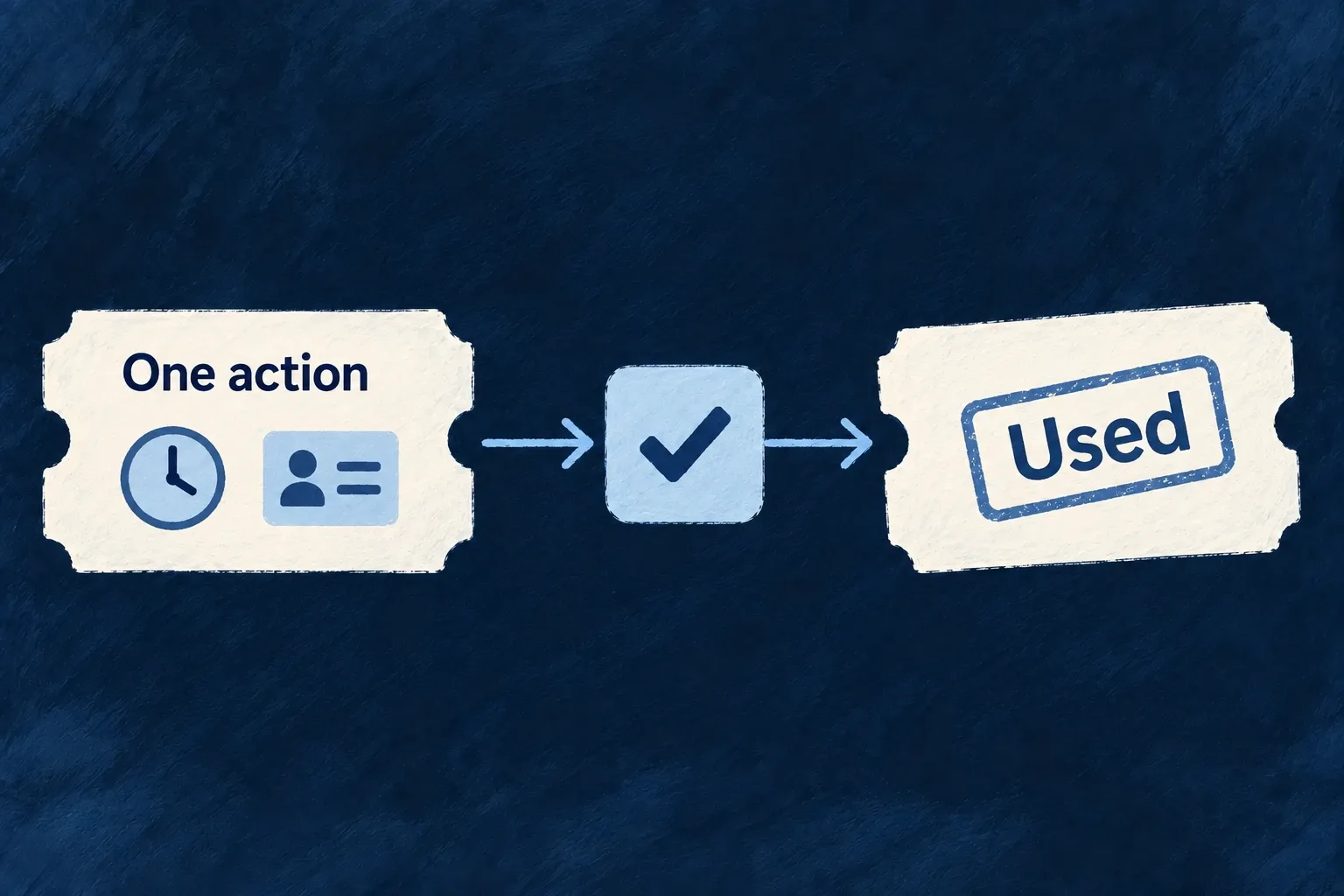
Give a link a purpose and a lifetime
Use a token for a specific interaction: accepting an invitation, resetting a password, carrying a redirect or granting bounded access. Wildo records its purpose, expiry and allowed use, then checks those conditions when it is redeemed.
Choose single use or bounded reuse according to the action. A token does not automatically become a full account session.
Example — Accept an invitation once
An invitation link identifies the intended acceptance. Competing requests cannot both consume a single-use token successfully.
For engineers
Declare what the token is for
The password-reset service is a concrete consumer of the shared token mechanism. It mints this token before building the email link:
const resetToken = await this.consumableTokenService.createToken({
  tokenType: CoreConsumableTokenTypes.PASSWORD_RESET,
  consumptionMode: ConsumableToken_ConsumptionMode.SINGLE_USE,
  expiresIn: { value: PASSWORD_RESET_TOKEN_TTL_HOURS, unit: DurationUnit.HOURS },
  userId: user._id,
  resourceIdentifier: CoreResourceType.USERS,
  relatedId: user._id,
  metadata: { email: user.email },
});
Purpose, subject, related resource and expiration travel together. The reset handler later checks that the consumed token is a PASSWORD_RESET token before changing the credential. The token value is a secret, not a record identifier to display publicly.
Select the right lifecycle
| Consumption mode | Intended interaction |
|---|---|
SINGLE_USE | One successful redemption, such as accepting an invitation |
BOUNDED_REUSE | A limited number of uses within an expiry |
EPHEMERAL_STATE | Correlation across a redirect, consumed on return |
Validation checks the current record. Consumption performs a conditional atomic mutation so two callers cannot both claim the last permitted use. Revocation is also guarded and makes an outstanding token unusable.
Reach it through the owning operation
Standard flows already supply their token consumers. Application operations can use declarative token generation, which reaches the same mint service. Define the intended resource/action target and the point of consumption; do not use a generic token as an implicit permission to call unrelated operations. Session-establishing links and upload grants add their own bounds above this shared lifecycle.
Connect generation to the action that needs proof
Wonder Todos pairs ASSIGN and CHANGE_STATUS in tasks.resources-config.ts. Its application-owned TasksManager_ConsumableTokenType.TASK_APPROVAL names the purpose (task_approval). The following is the generation block inside the existing ASSIGN API variant; its request declares assignedToUserId, and the operation requires ORG_MEMBER:
tokenGeneration: {
  tokenType: TasksManager_ConsumableTokenType.TASK_APPROVAL,
  consumptionMode: ConsumableToken_ConsumptionMode.SINGLE_USE,
  expiresIn: { value: 12, unit: DurationUnit.HOURS },
  grantedRoles: [{ roles: [CORE_ORG_ROLES.ORG_MEMBER], relatedPrimaryScope: ResourcePrimaryScope.ORGANIZATIONS }],
  userIdField: 'assignedToUserId',
  revokeExistingForSameRelated: true,
  createsOneOffSession: true,
  consumeAt: 'TARGET_OPERATION',
  targetingFields: { taskId: '_id' },
},
ConsumableToken_ConsumptionMode, DurationUnit, CORE_ORG_ROLES and ResourcePrimaryScope come from @wildo-ai/saas-models; the token-purpose enum belongs to the application. The generation helper reads the updated task: _id supplies the related record, assignedToUserId supplies the recipient and organizationId supplies the tenant. Reassignment replaces outstanding tokens of this purpose for that related record.
The matching CHANGE_STATUS variant already has its update request and organization-member role requirement. Its additional declaration is:
tokenAuthentication: {
  types: [TasksManager_ConsumableTokenType.TASK_APPROVAL],
  policy: TokenAuthenticationPolicy.ADDITIVE,
},
TokenAuthenticationPolicy is also exported by @wildo-ai/saas-models. ADDITIVE requires normal authentication plus the token; the token’s purpose, state and recipient are checked, and normal operation authorization still applies. ALTERNATIVE is a separate authoring choice that authenticates from the token context. Do not substitute it just to avoid supplying a signed-in session. In this ADDITIVE path, the recipient check does not compare the token’s task target with the task addressed by the request. An application that requires approval for exactly one record must enforce that match in its operation; targetingFields alone is not that authorization check.
Register the resource and deliver the generated secret
The task factory is registered under TasksManager_ResourceType.TASKS in tasks-manager.resource-configs.ts. The shared tasks-manager module contributes that map through resourceConfigurations, alongside resourceFieldIdentifiers and resourceRelationships. These declarations participate in the normal resource pipeline; they are not a second standalone token router.
Token generation also supplies additionalContext.tokenValue to configured notification dispatch. An authored notification/template must consume that value and deliver it to the intended recipient through a configured channel. Declaring generation does not by itself author an approval email, and the ordinary task-update response is not a secret-retrieval API. Keep the recipient selection, template and delivery configuration aligned with the generation branch.
This particular example opts into a one-off session and therefore uses the engine’s twelve-hour mint ceiling. With TARGET_OPERATION, exchange retains the consumable token for the target action. The exchanged session uses the account’s normal authorization; the targeting fields do not make its access JWT record-only. See one-off session links for that separate session contract. A workflow that does not need login should not opt into session creation merely to carry an action token.
Invoke the paired operations
For an existing task, use the application API base, organization/task IDs and an authorized member session. The assignment request supplies the recipient ID:
curl --fail-with-body -X PUT "$BACKEND_URL/organizations/$ORGANIZATION_ID/tasks/$TASK_ID/assign" \
  -H "Authorization: Bearer $MEMBER_TOKEN" \
  -H 'Content-Type: application/json' \
  --data "{\"assignedToUserId\":\"$ASSIGNEE_ID\"}"
After the configured delivery reaches the assignee, APPROVAL_TOKEN is that generated secret and ASSIGNEE_ACCESS_TOKEN is their authenticated session. BACKEND_URL includes the API prefix. Change the same task’s status with both credentials:
curl --fail-with-body -X PUT "$BACKEND_URL/organizations/$ORGANIZATION_ID/tasks/$TASK_ID/change-status" \
  -H "Authorization: Bearer $ASSIGNEE_ACCESS_TOKEN" \
  -H "x-consumable-token: $APPROVAL_TOKEN" \
  -H 'Content-Type: application/json' \
  --data '{"status":"completed","reason":"Approved by the assignee"}'
For ADDITIVE, put the secret in x-consumable-token; a consumable_token query parameter does not satisfy that requirement. Inspect the persisted status after success, then repeat with the spent token: it must no longer authorize a second consumption. Also check a missing token and a different recipient, alongside the successful authorized request. A failed attempt is only meaningful after the positive path has established that the task, session and delivery are valid.