
Carry configuration changes into generated files
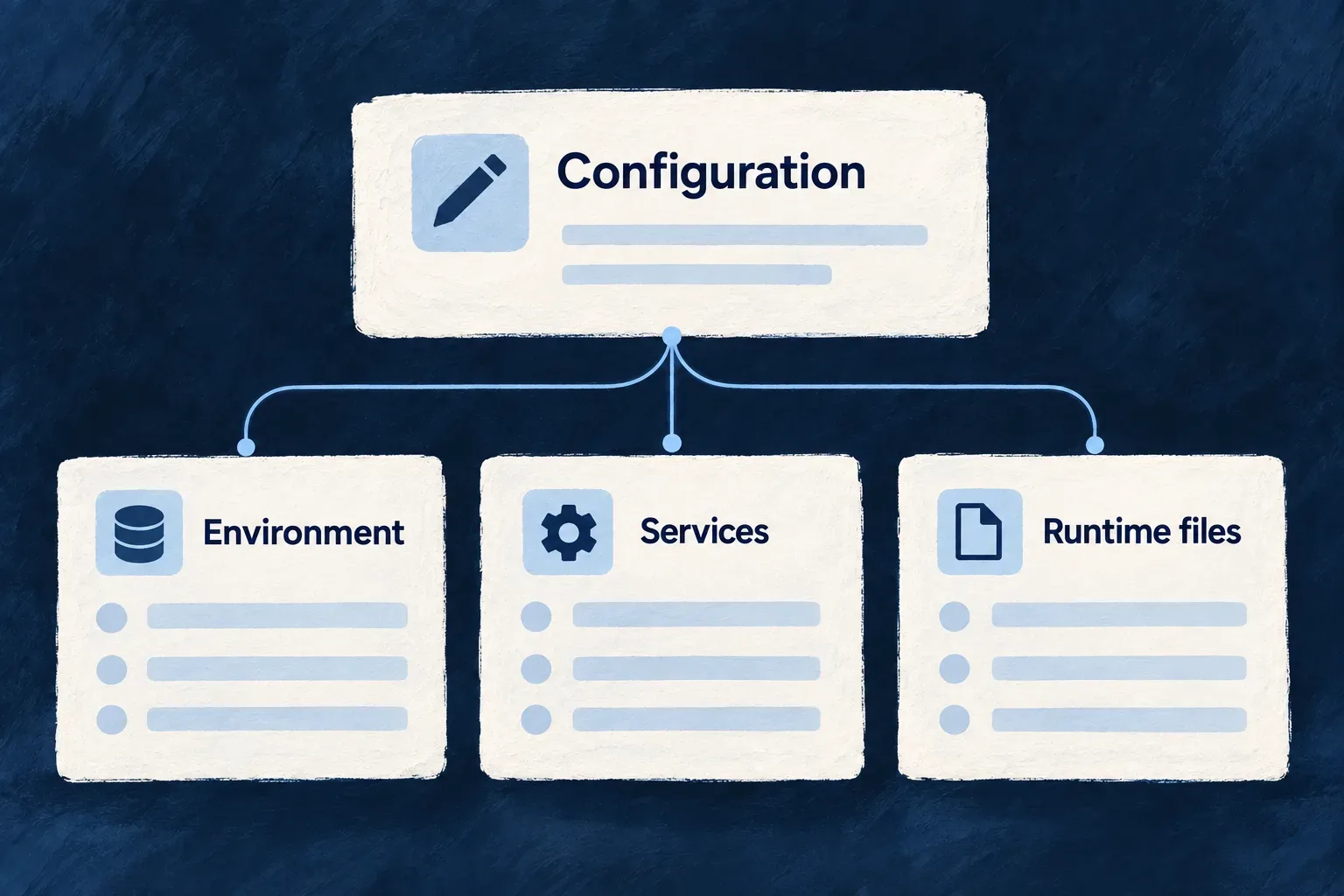
One application definition feeds several working files: process settings, service connections, container manifests and deployment workflows. Wildo refreshes those outputs together, in the order their dependencies require.
Change the authored configuration, then synchronize it. This keeps generated files aligned without asking developers to repeat the same decision in each format.
Example — Change a service connection once
An application changes where a backing service runs. Synchronization reconciles the environment declaration, prepares required secret material and regenerates the affected connection settings and deployment artifacts.
For engineers
Run these commands from an application workspace with its environment configured. The first command performs the normal sync for the local environment. The narrower command refreshes process environment files when that is the only output needed.
# Refresh the normal set of derived outputs.
wildo config sync --env local

# Or select a specific output domain.
wildo config sync --env local --domain env-files

# Check configuration and, for Kubernetes, rendered manifests.
wildo config validate --env local
The --env value is your configured environment name. Generated CI workflows build images. The Kubernetes workflow also applies manifests; the Compose workflow leaves host transfer and rollout to your deployment setup. Generating these files does not itself deploy the application.
Know which outputs are regenerated
| Sync domain | Purpose |
|---|---|
env-files | Per-process environment files and their derived service connections |
config | Environment deployment artifacts, including runtime-specific configuration |
manifest | Local Docker Compose or Kubernetes manifests; remote environments are skipped |
cicd | Deployment and configuration-validation workflows |
secrets | Explicit secret rotation, requiring separate authorization |
The normal local selection is config and env-files. Select manifest or cicd explicitly when regenerating those outputs; CI adds workflow generation when an application root is available. Provider runtime artifacts are synchronized through the same application generation path.
Missing framework-managed material is provisioned additively before dependent generation; existing material is not rotated merely because new configuration needs another secret.
--force permits overwriting generated files without the normal confirmation. It does not authorize secret rotation: that requires --rotate-secrets. Changing the initialized platform’s database engine is also a separate decision, not a consequence silently authorized by --force.
Separate authored changes from regeneration
config sync projects declarations into generated outputs. config mutate changes supported existing values in the application declaration, with a dry-run option. These are the actual command forms for changing a service’s local port; use a service key present in your application:
# Preview a proposed declaration change.
wildo config mutate set-service-port --service main_backend_api --port 4302 --dry-run

# Apply that declaration change after reviewing it.
wildo config mutate set-service-port --service main_backend_api --port 4302
This is an illustrative port choice, not a required Wildo port. Mutations reject unknown paths and name the failing segment. Regenerate relevant outputs after changing the declaration. config reapply-declaration handles another job: refreshing declaration-managed application configuration stored on the platform, without recreating its credentials or data.
Read validation at the right level
Validation checks configuration coherence. For Kubernetes, the default manifest check renders infrastructure and platform manifests into a temporary sandbox and parses them. For other runtimes, it reports a successful skip; this is not a Docker Compose render/parse check.
For an environment configured to use Kubernetes, check the application’s deployment artifacts after generating them. The example uses an environment named local; choose the registered environment that owns your output:
# Inspect the application Kubernetes output already written by sync.
wildo config validate --env local --domain manifest --deployment-artifacts
This reads the generated application manifests and reports missing output rather than regenerating it. Neither validation mode applies anything to a cluster. Application deployment generation has its own platform and registration prerequisites; if sync reports that generation was skipped, a successful sandbox check does not establish that application workloads were produced.
In CI, --ci changes the credential source to the pipeline’s flat environment variables. It does not change the deployment output directory. Treat generated secret-bearing files as derived private output, not as a replacement for the authored configuration.
Keep local overrides outside generated files
The frontend’s .env and .env.example are both generated. Put deliberate frontend-only overrides in .env.local, which Vite reads with higher precedence and this generator leaves alone. Do not carry that filename rule over to unrelated backend or specialized outputs.
For the env-files domain, existing files require confirmation unless --force is given. Declining, or running non-interactively without force, can skip that environment successfully. Read the reported writes and skips; a successful exit does not mean every existing file was regenerated.
Recover from a failed synchronization
A synchronization can leave successful phase writes in place when another phase fails. Read the phase outcomes and the named error, fix its cause, then retry the needed domain. Exceptions or prerequisite failures may return before the final phase summary.
For example, after correcting an env-file problem, use wildo config sync --env local --domain env-files. This narrows the requested output, but can still perform prerequisite configuration reconciliation, missing-material provisioning and provider-runtime refresh. It is not a rollback or a promise to touch only one file. Inspect the result before restarting consumers.