
Bring related work onto one screen
Some work is easier when its related pieces are visible together. A composite view combines existing resource operations, charts and authored sections into one screen.
The application chooses the arrangement. Dedicated embeds resolve the surrounding record context so each part can retain its own standard behavior.
Example — Keep a task and its supporting work together
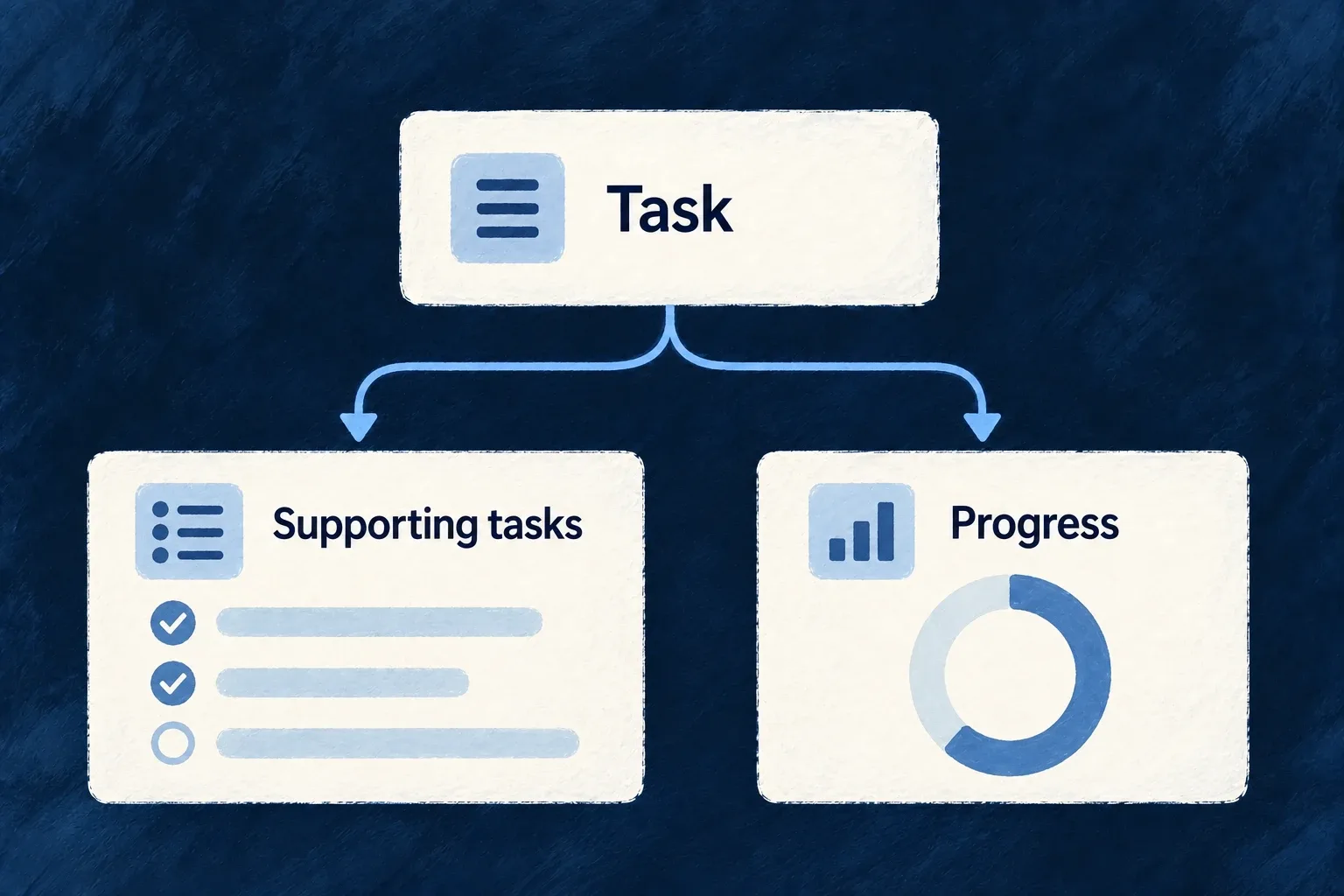
A task detail screen adds its supporting tasks and progress charts below the record. It gives the person adjacent context without rendering the same task details twice.
For engineers
Compose existing surfaces rather than re-fetching their data
Wonder Todos’ TodoWorkspaceCompositeView adds related tasks and metrics. The selected function below shows the composition; imports and the chart-cell helper are omitted:
export function TodoWorkspaceCompositeView(): React.ReactElement {
  return (
    <CompositeLayout>
      <Section name="tasks" appearance={SectionMode.GRID}>
        <EmbedRelatedResourceOperation
          resourceType={TasksManager_ResourceType.TASKS}
          operationLike={CoreResourceOperation.LIST}
        />
      </Section>
      <Section name="metrics" appearance={SectionMode.CARD}>
        {/* Three compact titled charts side by side (stacking full-width tripled
            the section height for the same information). Plain grid — chart
            cells, not sections, so no container mode applies. */}
        <div className="grid grid-cols-1 gap-group md:grid-cols-2 xl:grid-cols-3">
          <MetricsChartCell resourceType={TasksManager_ResourceType.TASKS} viewRef="todo-task-status" />
          <MetricsChartCell resourceType={TasksManager_ResourceType.TASKS} viewRef="todo-task-priority" />
          <MetricsChartCell resourceType={TasksManager_ResourceType.TASKS} viewRef="todo-task-timeline" />
        </div>
      </Section>
    </CompositeLayout>
  );
}
EmbedRelatedResourceOperation resolves the child operation from the host’s relationship context. EmbedRelatedChart inside MetricsChartCell does the equivalent for the named chart. The custom cell gets its title from the chart-view label namespace rather than inventing a second chart name.
Register the view and its sections
The same file publishes the composite contract:
export const TODO_COMPOSITE_VIEWS = {
  [TODO_WORKSPACE_COMPOSITE_VIEW_REF]: {
    viewComponent: TodoWorkspaceCompositeView,
    sectionRefs: ['tasks', 'metrics'],
    icon: ClipboardCheck,
  },
} satisfies ResourceCompositeViewsConfig;
Its owning resource references the composite configuration in frontend UI behavior. Section references must match the specification/label entries that describe them. App-level composites instead enter the frontend module’s compositeViews contribution.
Decide who owns placement
A standard host can render resource-owned inserted views according to configuration. A custom host must place them explicitly, using EmbedResourceOwnedCompositeView where this workspace belongs. The todo example deliberately omits a host-record section from the composite because its parent already renders the record.
When more than one relationship reaches the same target resource, disambiguate the embed with the appropriate foreign key. A plausible-looking list is not proof that it uses the intended relationship. The example places its sections directly beneath CompositeLayout, where the layout can resolve container appearances such as GRID. If a custom wrapper hides a section from that grouping pass, use a solo appearance such as CARD for its individual embed so its heading and frame are retained.