
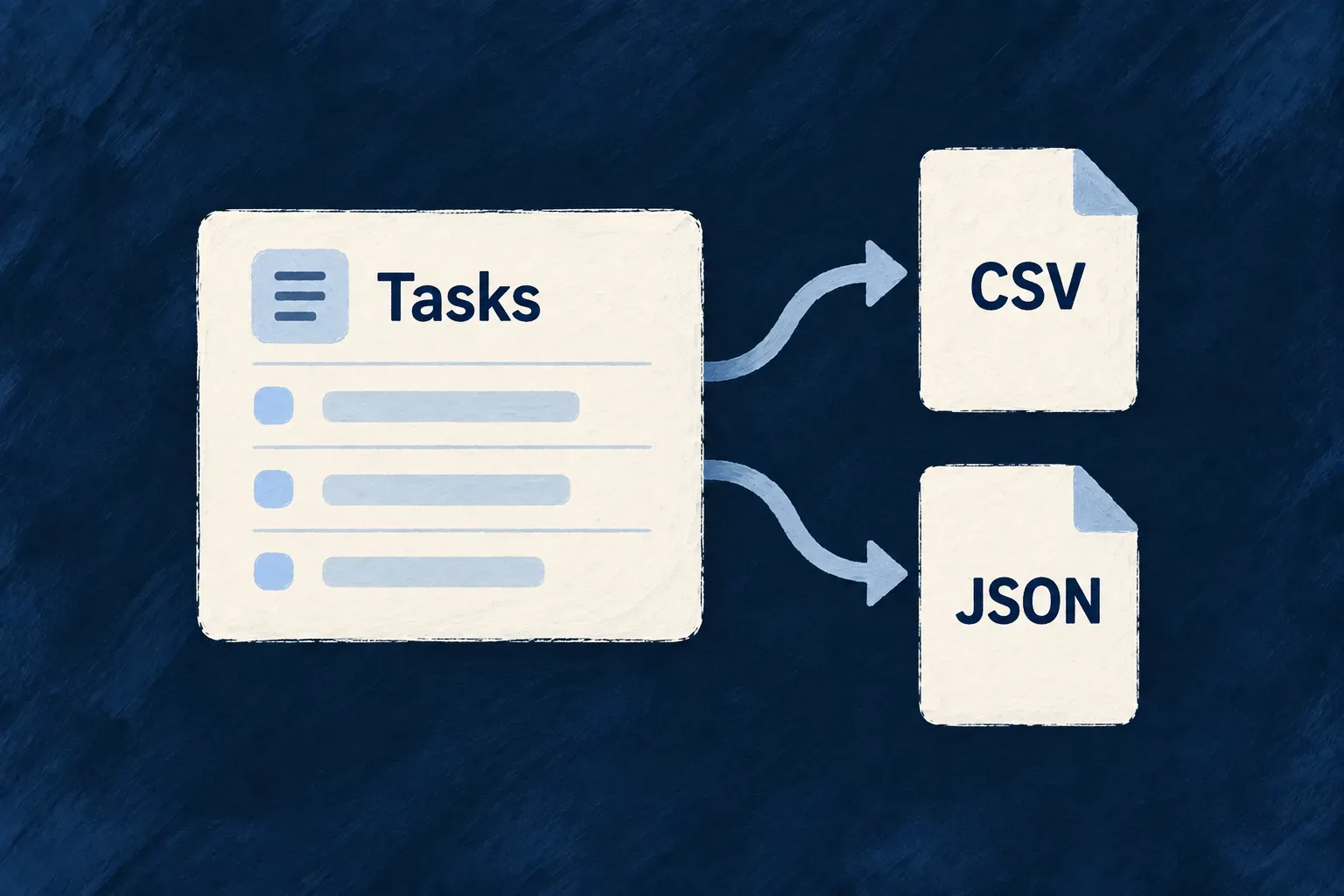
Take the records you are viewing with you
People often need to take a working list into a spreadsheet, share it with a colleague or pass it to another tool. An export should reflect the records they selected, rather than a separate download that forgets their filters.
Wildo attaches export choices to the list or search operation. The application can offer the visible page, the complete matching result set, or both, and choose CSV, JSON or both formats.
This keeps the download connected to the collection’s access and output contract. A person works from the same definition of the records on screen and in the file.
Example — Download the tasks from a search
A project lead filters tasks to a particular priority and searches for a project name. The export uses that search operation, producing a CSV for spreadsheet work or JSON for another program. A visible-page export downloads the current page; a full-result export continues through the matching set.
For engineers
Declare formats and row scope on the list
This LIST variant comes from Wonder Todos’ todos.resources-config.ts. Source comments are omitted. Its export declaration sits beside the same operation’s roles and optional MCP exposure:
[CoreResourceOperation.LIST]: {
  variants: [
    {
      variantType: ResourceOperationVariantType.API_CALL,
      isDefault: true,
      roles: [CORE_ORG_ROLES.ORG_MEMBER],
      riskLevel: ResourceOperationRiskLevel.LOW,
      mcp: { exposed: true, servers: ['support'], description: 'List the organization\'s todos (paginated). Use the search tool to filter by status/priority/list/assignee or find by text.' },
      collectionExport: {
        formats: [ResourceCollectionExportFormat.CSV, ResourceCollectionExportFormat.JSON],
        rowScopes: [
          ResourceCollectionExportRowScope.VISIBLE_PAGE,
          ResourceCollectionExportRowScope.FULL_RESULT_SET,
        ],
      },
    }
  ]
},
formats selects CSV and JSON. rowScopes offers the current page and the full matching result set. An optional maximumExportedRows can bound the total download independently from an ordinary page-size limit.
Reuse the query and response definition
The resource factory derives a companion export operation from the configured collection. The export handler resolves the source operation, validates its query and applies its authorization before reading rows. A SEARCH export retains the search term; a LIST export represents the listing. If both are offered, each receives its own route.
The output columns are derived from the source response contract. Backend-only fields excluded from that contract do not become CSV columns merely because they exist in storage. Row values pass through the collection’s serialization before they are rendered into the selected format.
Read the shape of the download
For an illustrative source response exposing only title and tags, CSV keeps the array as JSON inside a quoted cell:
title,tags
Prepare the launch,"[""release"",""website""]"
The corresponding JSON export preserves the array structure:
[
  { "title": "Prepare the launch", "tags": ["release", "website"] }
]
These are sample values for a two-column response, not the complete Wonder Todos export. Actual columns follow the chosen source operation’s response schema.
Choose a format for the next consumer
CSV provides headings and one tabular record per row. Quotes, separators and line breaks are escaped; nested objects and arrays are JSON-encoded inside their cell. JSON keeps structured values more directly usable by another program.
A full-result export reads successive pages of the source collection. That is appropriate for taking a working set out of the application; a point-in-time financial or regulatory report should use an operation designed for its own snapshot requirements.
The response is streamed as pages are read. A failure after the download starts can leave a partial CSV or an unfinished JSON array; an HTTP response starting successfully is not proof that every row arrived. A changing collection may also produce fewer rows than its initial count. Use a completed, purpose-built reporting operation when the consumer needs a fixed snapshot.
The frontend can expose the formats and row scopes the operation offers. Export availability, optional agent exposure and notification policy remain separate choices, even when all are attached to the same collection.