
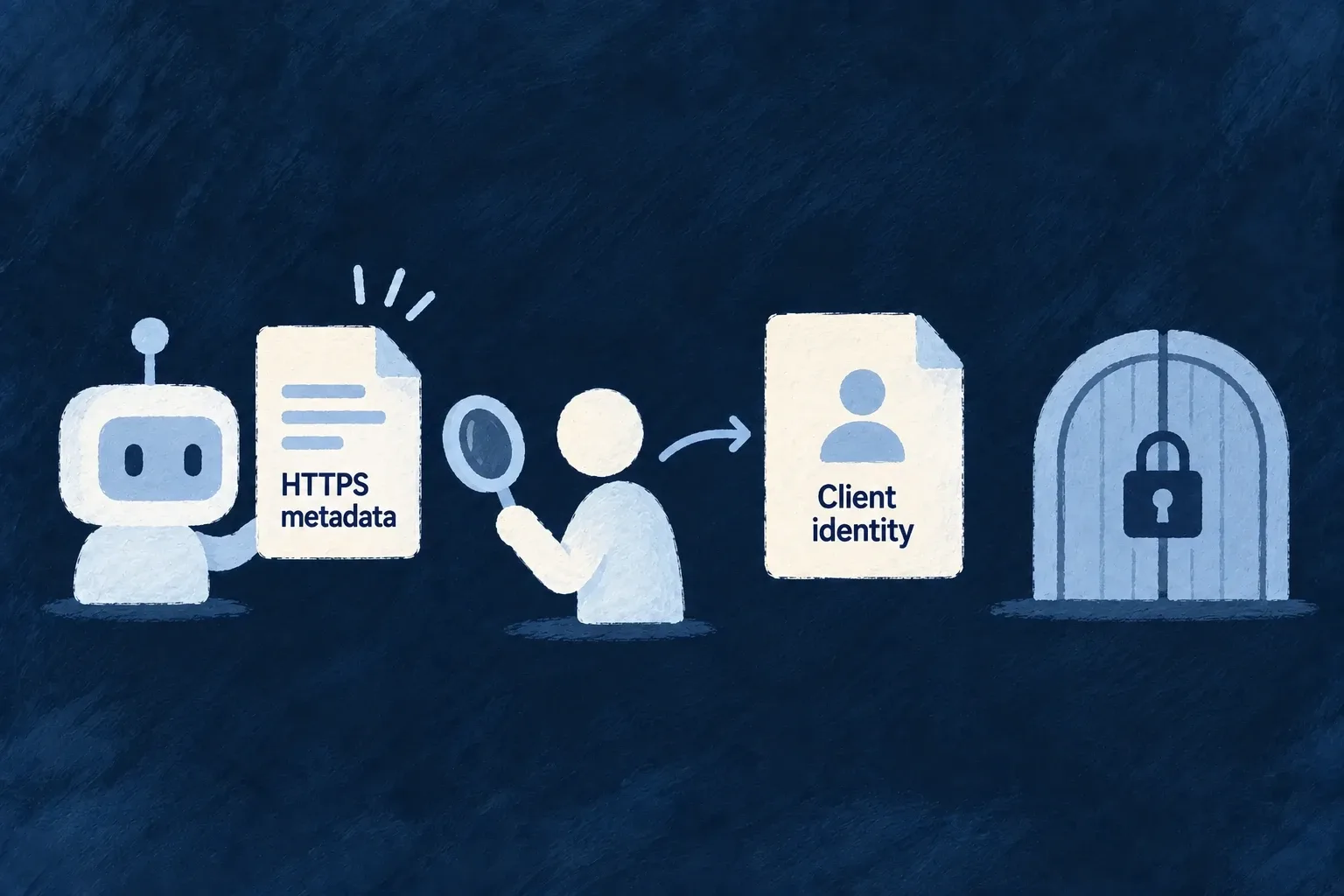
Recognize tools through their published identity
A tool can identify itself through an HTTPS metadata document instead of requiring a manually created client record. Wildo checks that published identity and applies the application’s trust policy before using it.
You can allow specific client URLs or domains, or choose an open policy for a public agent surface.
Example — Accept a known tool’s published client identity
The application allows a tool’s metadata URL. The tool uses that full URL as its client ID, and Wildo checks the document before continuing to user authorization.
For engineers
auth.cimd selects DISABLED, ALLOWLIST or OPEN through CimdTrustPolicy. Disabled is the default. An allowlist entry can be the exact client URL or a bare host; the full URL is the narrower choice.
Import CimdTrustPolicy from @wildo-ai/saas-backend-lib. In the backend-authored application’s auth section, an exact-URL allowlist looks like this. The example hostname is illustrative; use the tool’s real HTTPS document URL.
cimd: {
  policy: CimdTrustPolicy.ALLOWLIST,
  allowedClients: ['https://tool.example/client.json'],
},
This uses the same configuration surface as Wonder Todos’ saas-config.backend.ts, with a narrowly selected client URL.
Publish a matching client document
The document supplies client_id, client_name and redirect_uris. Its client_id must equal the URL being resolved. The redirect used by authorization must exactly match a registered redirect, rather than merely share an origin or path prefix.
For the URL allowed above, serve JSON with a matching identity:
{
  "client_id": "https://tool.example/client.json",
  "client_name": "Customer workspace tool",
  "redirect_uris": ["https://tool.example/callback"],
  "token_endpoint_auth_method": "none"
}
The tool sends that full metadata URL as client_id on its authorization request, together with its redirect URI, state, PKCE challenge, identity scopes and target resource. Wildo resolves the document, checks the chosen redirect and continues to the user’s authorization step. Publishing this file does not itself create a token or a machine role.
The resolver applies URL and outbound-target checks even for allowlisted clients. It bounds fetch duration and size, validates the response and caches documents within a bounded lifetime. A metadata change is therefore not an instantaneous withdrawal of all previously fetched metadata.
Use the authentication mode the provider accepts
This implementation accepts the public-client none token-endpoint authentication method for metadata-document clients. It rejects unsupported authentication methods rather than silently treating a client claiming private-key authentication as public.
Published identity does not grant business authority. The tool still uses PKCE and user consent, then receives an audience-bound delegated token. Choose registered machine clients when the service should act under its own roles.