
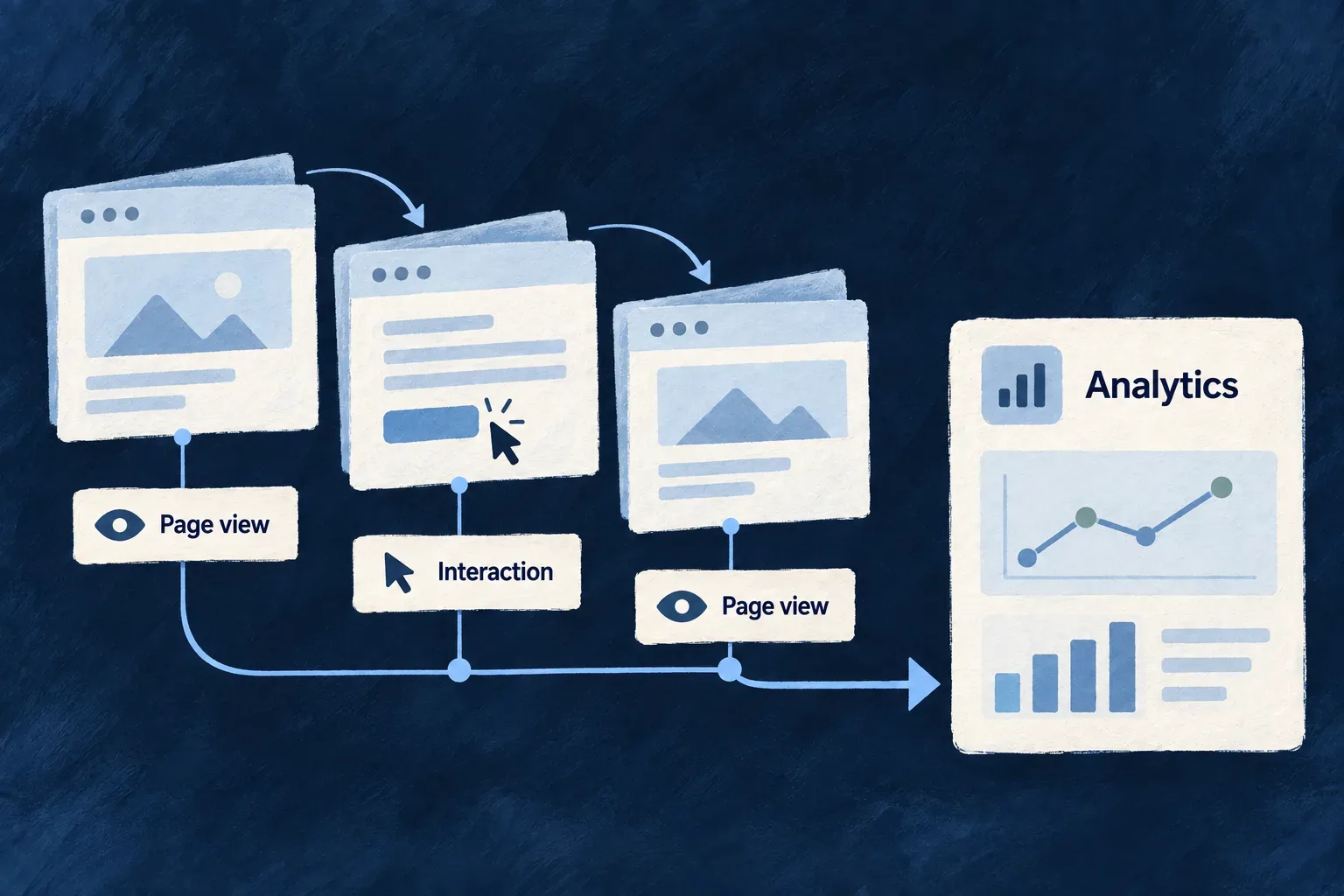
Connect website activity to product analytics
A selected analytics provider can load its browser SDK through the website’s provider system. Wildo keeps activation, public configuration and cleanup in one integration path instead of scattering vendor scripts across pages.
You choose the receiving project and the analytics policy; the provider connects the browser to it.
Example — Observe website activity in the selected project
A website uses its configured PostHog project and endpoint. The SDK receives activity according to its configured behavior, while the application remains responsible for choosing which collection is appropriate.
For engineers
Supply the browser integration’s configuration
The PostHog website provider declares posthog-js as an optional peer. Install it in the website’s bundling environment, select the product-analytics provider, and configure its public project key and endpoint through the application’s contribution mapping.
This illustrative mapping fragment assumes the current contribution is PostHog and the deployment supplied publicProjectKey and apiHost:
return {
  ...contribution,
  frontendEntry: {
    ...contribution.frontendEntry,
    publicConfig: {
      ...contribution.frontendEntry.publicConfig,
      apiKey: publicProjectKey,
      apiHost,
    },
  },
};
These are browser-visible settings. They are not private account-management credentials. The provider derives a CSP connection origin from apiHost; configure the actual receiving host rather than adding a guessed vendor-origin list.
Understand what initialization does
The shipped module validates the key, imports the SDK on demand and returns its cleanup behavior:
const { default: posthog } = await import('posthog-js');
posthog.init(apiKey, typeof apiHost === 'string' ? { api_host: apiHost } : {});
return {
  handle: posthog,
  deactivate: () => {
    posthog.opt_out_capturing();
  },
};
The shared runner isolates activation failures. The website hook deactivates when the registry/lifecycle changes, including when a page unmounts before initialization completes. This is cleanup support; the hook does not itself decide when a visitor has consented.
Keep separate analytics systems distinct
| Surface | What it does |
|---|---|
| Website PostHog SDK | Loads the selected browser analytics integration |
| Application analytics context | Tracks configured application events and evaluates value moments |
| LLM observability sink | Reports model-call usage/timing under its own content policy |
Wonder Todos supplies its PostHog host through the contribution channel, but its source deliberately omits the project key. Use that file as a configuration pattern, not proof that live events are reaching a project. Verify the selected destination and collection behavior in the browser before describing the integration as operating.