
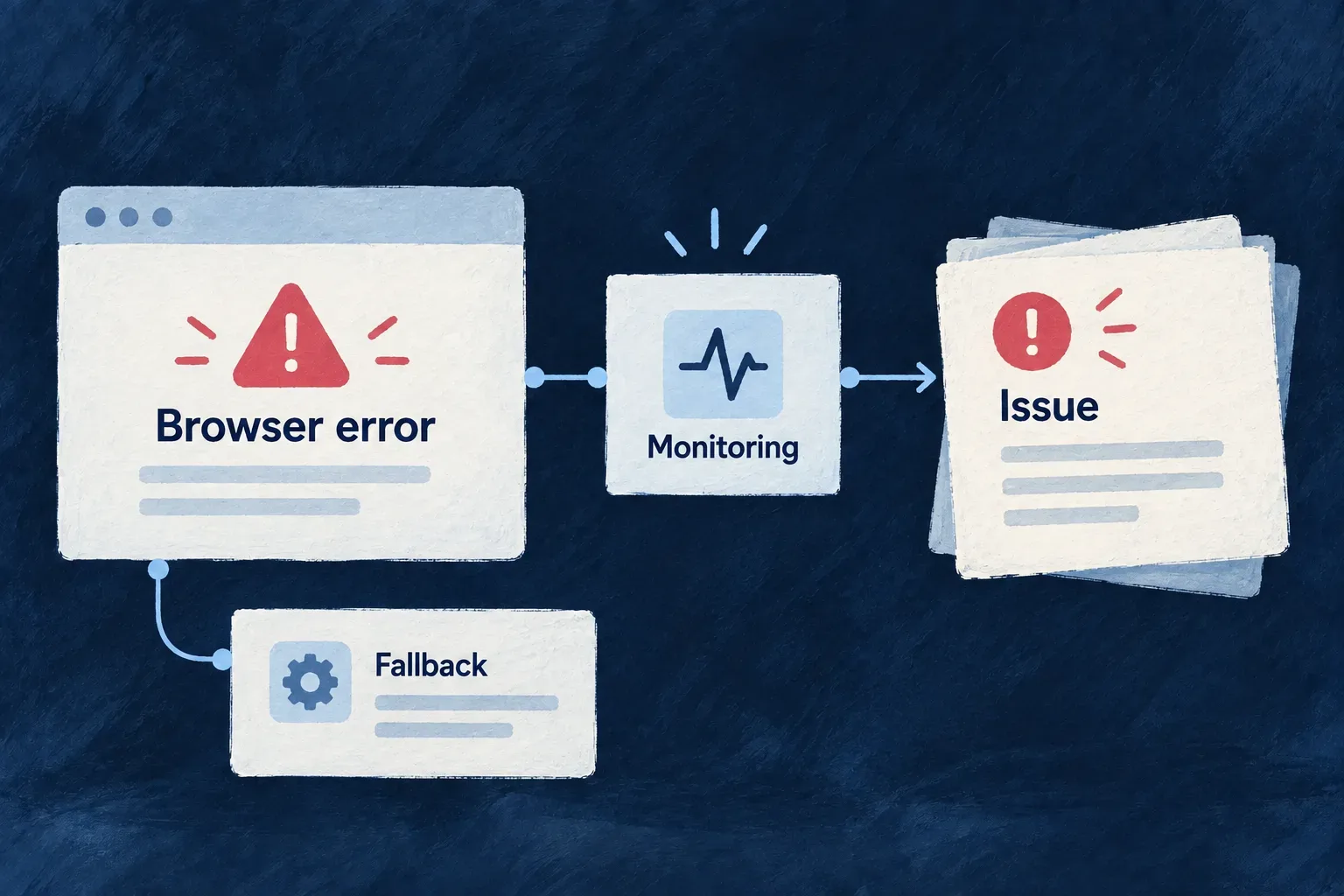
Connect website errors to a monitoring service
A selected browser-monitoring provider loads and starts its SDK on the website. Wildo supplies the activation lifecycle and configuration boundary, while the provider supplies the actual error-monitoring integration.
This connects browser failures to a receiving service without embedding vendor initialization throughout the website.
Example — Investigate a browser-only failure
A configured Sentry integration can receive a browser exception that never became a backend request. The team investigates it in the receiving project while the website’s own fallback remains responsible for the visitor’s experience.
For engineers
Configure the selected website contribution
The shipped website provider is SentryFrontendWebsiteProvider. Select it for the website’s frontend error-monitoring capability, install its optional @sentry/browser peer where the website is bundled, and supply the project’s public DSN on its provider contribution.
This illustrative fragment belongs inside the application’s existing contribution mapping. It assumes contribution is the selected Sentry entry and dsn is the deployment’s public DSN:
return {
  ...contribution,
  frontendEntry: {
    ...contribution.frontendEntry,
    publicConfig: {
      ...contribution.frontendEntry.publicConfig,
      dsn,
    },
  },
};
Use the contribution channel, not invented publicConfig fields in the strict provider-selection block. The module declares the DSN as the source of its CSP connection origin, so connection policy follows the configured destination. Never put a private administration token in browser public configuration.
Follow activation to the vendor
The provider validates a non-empty DSN before its dynamic import. Its actual initialization and cleanup are:
const Sentry = await import('@sentry/browser');
const client = Sentry.init({ dsn });
return {
  handle: client,
  deactivate: async () => {
    await client?.close();
  },
};
The shared runner activates only in a browser. An activation failure emits a diagnostic and does not prevent other providers from starting. useWebsiteProviderSdks also handles an unmount while an asynchronous activation is still finishing, then closes the returned client.
Check the correct proof
An installed package, selected provider and non-empty DSN are setup evidence. Confirm receipt in the intended project using a controlled browser failure before claiming monitoring is operating. Wonder Todos’ source demonstrates the contribution mechanism but deliberately leaves Sentry’s DSN unconfigured; it is not evidence of a live Sentry project.
This integration is the website SDK path. React application error boundaries, backend telemetry and security audit export are separate mechanisms. Activation lifecycle support also does not by itself define the application’s consent policy.