
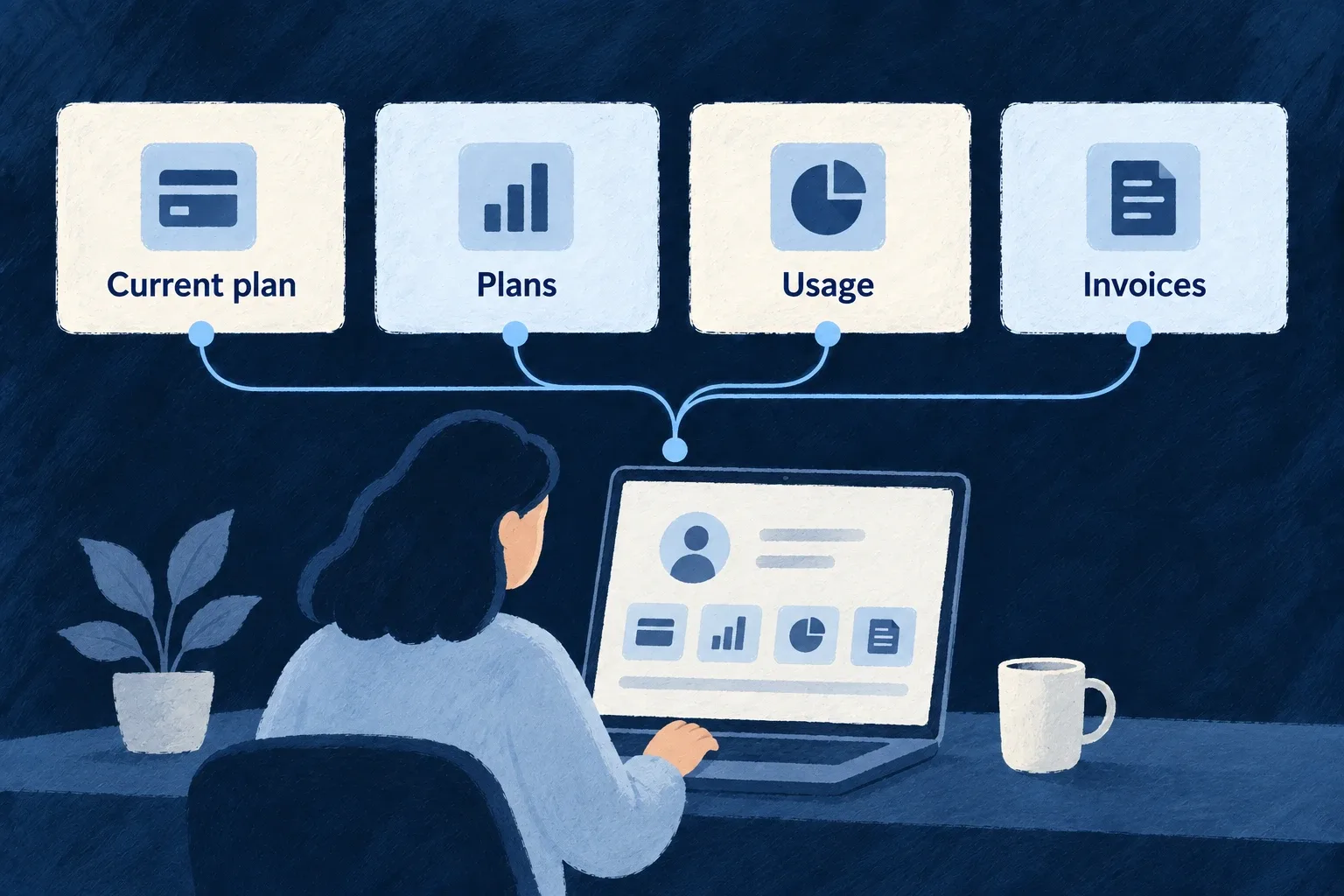
Put plans, usage and invoices together
Customers need a coherent place to understand their subscription and manage its costs. Wildo brings plan information, usage and invoice history into a billing surface.
The widgets use shared billing state and configured provider actions. You define the commercial model and connect the provider; the screen presents those choices.
Example — Review a subscription before changing it
A workspace administrator sees the current subscription, available plans, usage and invoices together. The manage action opens the configured customer portal rather than a second hand-built billing flow.
For engineers
AppPage_BillingSettings is a Settings Hub panel composing SubscriptionStatus, BillingPortalLink, PricingTable, UsageDashboard and InvoiceHistory. Each widget reads the shared billing context; the panel does not fetch every billing child resource independently.
This selected part of the actual engine panel shows the plan, usage and invoice sections. Label resolution and earlier subscription/management sections are omitted:
<Card>
  <CardHeader>
    <CardTitle>{t('plansHeading')}</CardTitle>
  </CardHeader>
  <CardContent>
    {/* Self-hydrates: public active PLAN products scoped to the current
        billing scope; select = checkout (no subscription) / portal (active). */}
    <PricingTable />
  </CardContent>
</Card>

<Card>
  <CardHeader>
    <CardTitle>{t('usageHeading')}</CardTitle>
  </CardHeader>
  <CardContent>
    <UsageDashboard />
  </CardContent>
</Card>

<Card>
  <CardHeader>
    <CardTitle>{t('invoicesHeading')}</CardTitle>
  </CardHeader>
  <CardContent>
    <InvoiceHistory />
  </CardContent>
</Card>
The aggregated state is important: subscription and invoice resources are contextual children of the billing account. A generic organisation-level resource panel cannot simply invent their parent URLs.
Connect the commercial configuration before the screen
Enable billing for the application, register its product catalogue, and select the provider in the backend provider scope. Configure its credentials and webhook/runtime integration, then run wildo config sync to regenerate the application artifacts.
For an engine-shipped provider, selecting its reference in providers.scopes.backend.providers is sufficient for discovery: do not create a duplicate provider module or provider-contributions.ts entry. An authored contribution is needed when the application itself supplies a provider module. Backend billing still needs its matching providerRef, and the relevant SDK dependency must be installed. The frontend’s BillingContext reads the resulting state. Plan selection chooses the available checkout or portal action according to that state and the current subscription.
The Settings Hub then places the engine billing destination in an appropriate category. The destination is capability-gated; placement alone does not configure billing or grant a person billing-management rights.
Recompose widgets when the product needs another layout
The shared widgets can be used in an authored surface without replicating their data and action plumbing. Keep their billing provider/context available and retain their unavailable/loading behavior. The application still owns prices, entitlements, metering meaning and the customer-facing wording that explains those choices.