
Turn billing on deliberately
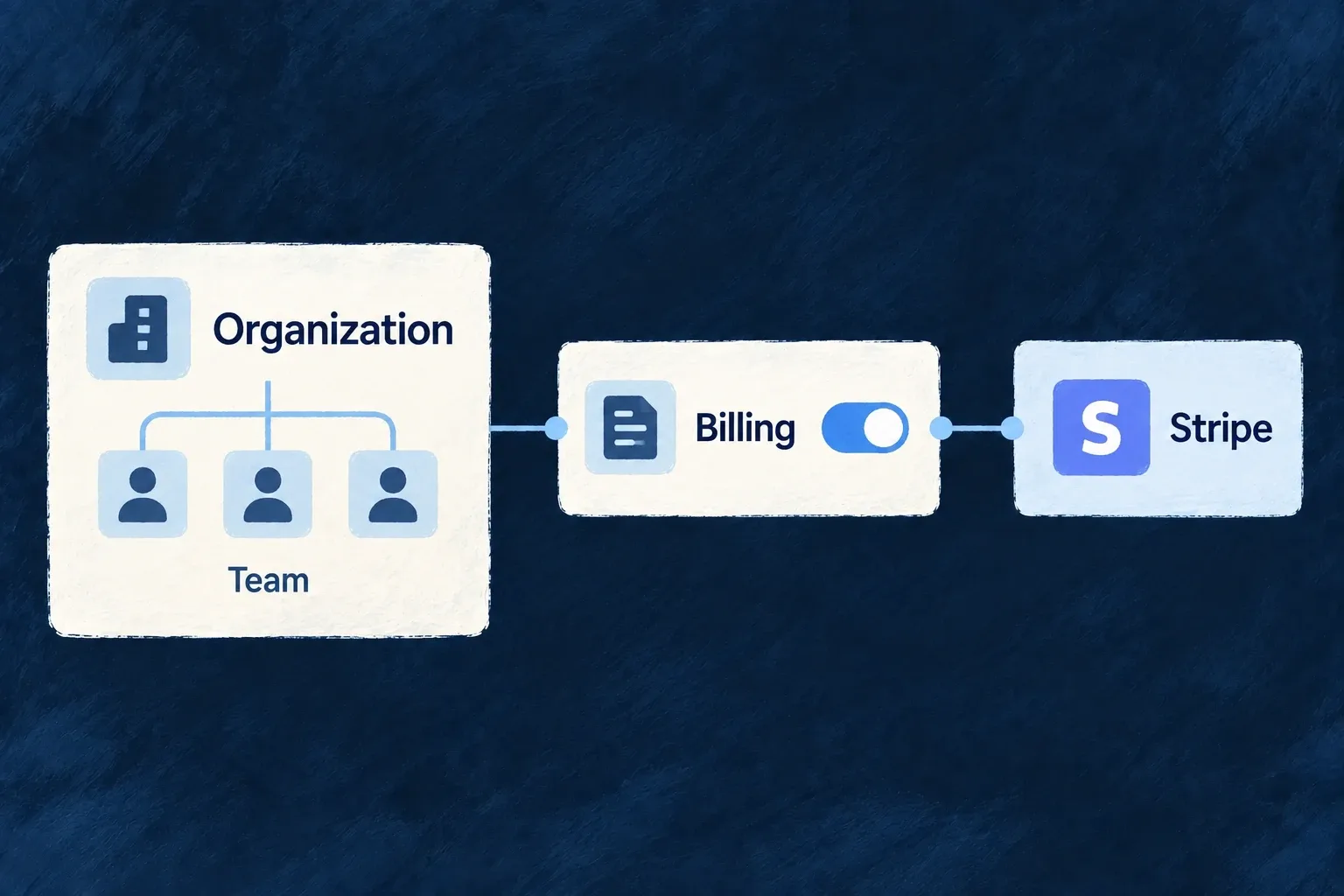
Choose whether your application sells subscriptions or purchases, which provider handles them and whether the customer is an organization or an individual. Billing activation connects those decisions to the application’s billing resources and services.
Example — Let the workspace subscribe
A team buys one subscription for its workspace. Its members share that purchase rather than each receiving a separate personal bill.
For engineers
Enable EngineCapability.BILLING in wildo.saas.config.ts. In the backend configuration, set billing.enabled, select providerRef and declare enabledScopes. Organization billing and personal billing are distinct resource families; enable the scopes the commercial model actually uses.
Wonder Todos authors this backend provider scope in wildo.saas.config.ts. The surrounding providers.scopes.backend.providers object is omitted:
The following selected excerpt is from wildo.saas.config.ts; the surrounding module and explanatory source comments are omitted.
stripe: {
            engineCapabilities: [EngineCapability.BILLING],
            providerCapabilities: ['BILLING'],
            protocols: ['BILLING_PROVIDER', 'WEBHOOK_ORIGINATOR'],
          },
BILLING_PROVIDER supplies outgoing billing operations; WEBHOOK_ORIGINATOR registers incoming events. A frontend Stripe SDK entry alone cannot supply either backend responsibility. Engine-shipped providers are discovered from their package: do not add a second manual provider contribution.
Finish the deployment chain
| Surface | What to supply |
|---|---|
| Backend dependency | Install the stripe SDK in the application backend |
| Environment secrets | STRIPE_SECRET_KEY and STRIPE_WEBHOOK_SECRET in the environment’s provider secrets |
| Generated runtime | Run wildo config sync after configuration changes; never edit the generated provider registry |
| Provider delivery | Configure or forward events to /api/v1/webhooks/stripe/billing |
Startup resolves the configured provider and required secrets. A missing provider scope is a configuration failure, not a reason to silently disable charging. Once initialized, the frontend’s billing context loads the selected customer’s account through the scoped billing resource. The application authors its products and commercial terms separately from these connection settings.