
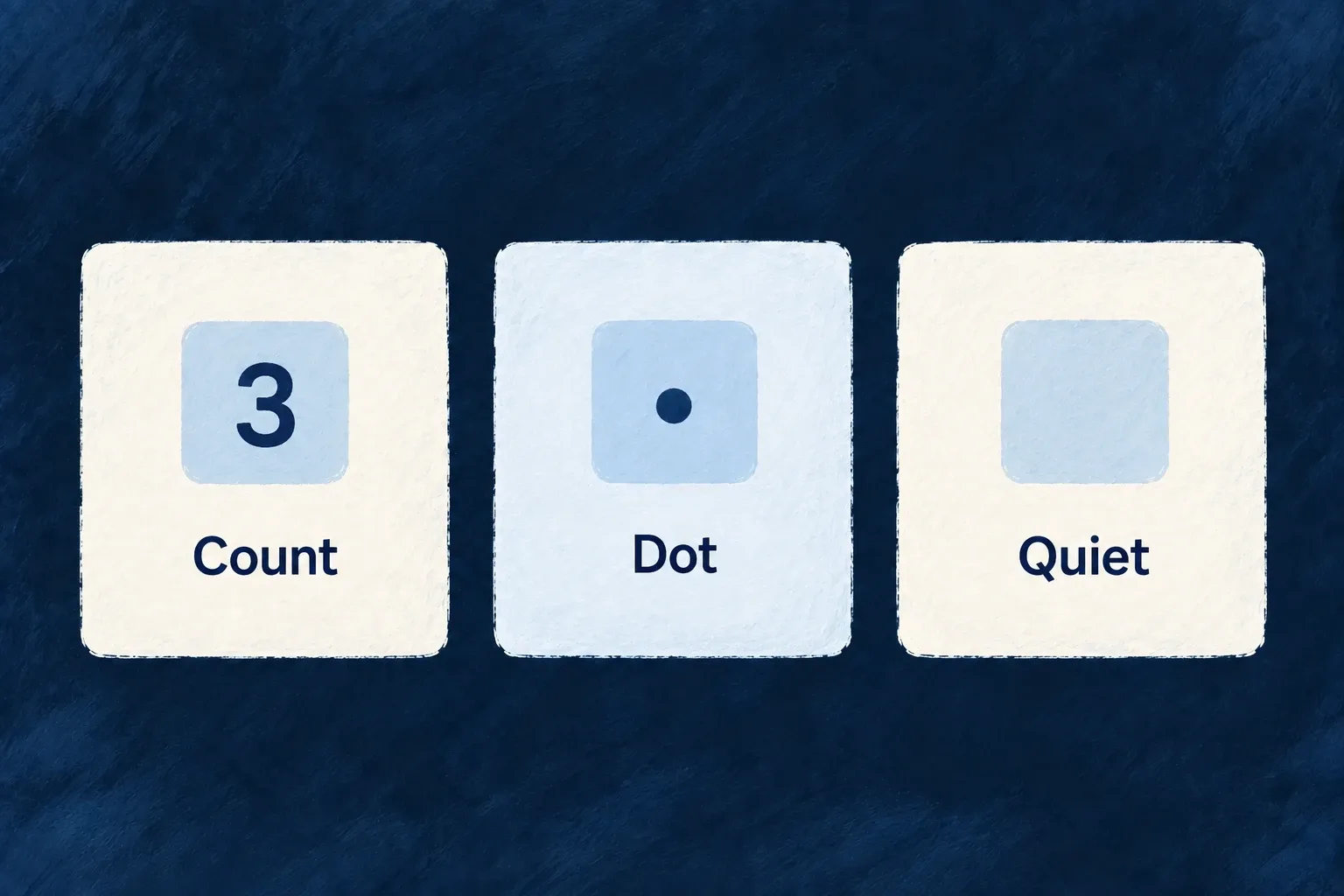
Make attention deliberate
Choose whether a badge shows a number, a simple dot or nothing. Its attention behavior can be quiet, briefly react to an increase or remain active while work is waiting.
The theme controls the appearance; the badge definition states the intent.
Example — Draw attention to new work
A task count uses an informational tone and briefly pulses when the number increases, without animating continuously.
For engineers
Register the meaning, then expose it in navigation
Wonder Todos already defines the incomplete-assignment badge in its tasks-manager shared module. This complete definition uses the module’s TasksManager_ResourceType and Todos_Status constants; badge enums and types come from @wildo-ai/saas-models, and IndicatorVariant comes from @wildo-ai/presets-components-models:
export const tasksManagerNotificationBadgeDefinitions: NotificationBadgeDefinition[] = [
  {
    identifier: USER_SELF_INCOMPLETE_TODOS_BADGE_IDENTIFIER,
    scope: ResourcePrimaryScope.USER_SELF,
    source: {
      kind: NotificationBadgeSourceKind.DERIVED_QUERY,
      resourceType: TasksManager_ResourceType.TODOS,
      filter: { status: { $nin: [Todos_Status.COMPLETED, Todos_Status.CANCELLED] } },
      scopeField: 'assignedToUserId',
    },
    display: {
      mode: NotificationBadgeDisplayMode.COUNT,
      tone: IndicatorVariant.INFO,
      pulse: NotificationBadgePulse.ON_INCREASE,
    },
  },
];
The same file creates its key with buildNotificationBadgeKey(ResourcePrimaryScope.USER_SELF, USER_SELF_INCOMPLETE_TODOS_BADGE_IDENTIFIER). The tasks-manager SharedSaaSModule registers the array as notificationBadgeDefinitions: tasksManagerNotificationBadgeDefinitions; its shared registry makes the definition available to backend calculation and frontend lookup.
The existing frontend module places this complete item in its sidebar section’s children array:
{
  kind: LauncherItemTargetKind.RESOURCE_OPERATION,
  resourceType: TasksManager_ResourceType.TODOS,
  operation: CoreResourceOperation.LIST,
  notificationBadgeRef: USER_SELF_INCOMPLETE_TODOS_BADGE_REF,
},
LauncherItemTargetKind is imported from @wildo-ai/saas-frontend-lib/companion, CoreResourceOperation from @wildo-ai/saas-models, and the resource and badge constants from @wonder-todos/shared-lib. The normal resource-operation item derives its label from the application’s registered resource labels.
Keep a custom consumer accessible
For a custom navigation surface inside the standard application providers, use the same registered key and supply the already translated navigation label. This complete illustrative consumer accepts both from its parent:
import { NavigationItemBadge } from '@wildo-ai/saas-frontend-lib';

export function NavigationAttention({ badgeRef, label }: {
  badgeRef: string;
  label: string;
}) {
  return (
    <NavigationItemBadge
      notificationBadgeRef={badgeRef}
      label={label}
    />
  );
}
The component finds the definition by scoped identity, subscribes through useNotificationBadges, and passes count, tone, pulse and accessible label to the standard indicator. A missing definition renders no badge; a missing label exposes an unresolved key rather than inventing readable words.
COUNT shows the number up to the configured display cap; DOT shows positive activity without its number; NONE suppresses the indicator. The standard indicator also hides non-positive counts. Reassigning a task changes the underlying derived count; presentation decides how that new value asks for attention.
Keep motion in the theme
useNotificationBadges resolves the pulse trigger and its timed window. The replaceable NotificationIndicator slot takes the tone and pulse result; the active theme supplies the attention recipe. Do not hard-code a competing animation into each navigation item.
Choose ON_INCREASE for a transient signal, WHILE_ACTIVE for continuing attention or NONE when the number is sufficient. These settings do not change which records are counted or the operation that clears an event counter. Verify the chosen policy in the actual navigation surface and theme.