
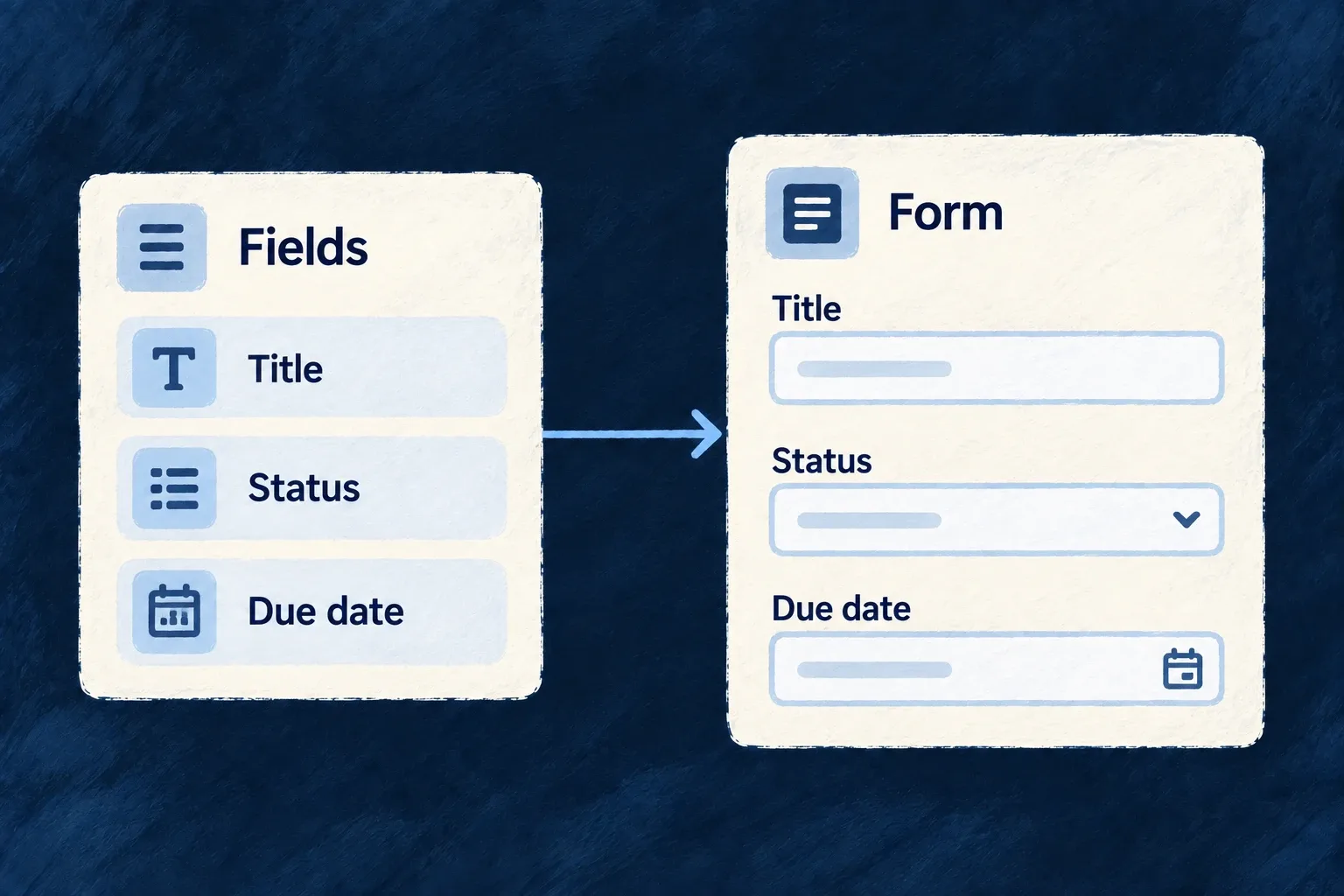
Turn field definitions into working forms
A form can start from the fields an operation accepts. Wildo selects the controls, resolves their labels and connects them to validation and submission.
Arrange those fields to suit the work. A custom layout can retain the standard field behavior instead of becoming a second implementation of the form.
Example — Arrange a task form around the decisions
A task form puts its title and description first, then groups status, priority, due date and assignee. Those controls still use the task operation’s input contract.
For engineers
Start with the operation, then arrange its fields
Register the resource schema, operations and relationships in the shared module. Its frontend resourceUIBehavior pairs that schema with the resource configuration and contributes the views through the frontend module’s resourceUIBehavior map.
ResourceAutomatedForm uses the operation’s request schema, derives create/update semantics, loads existing data when needed and submits through the resource registry. A field excluded from the update contract is not made writable by adding it to a template.
This selected layout.edit fragment is from Wonder Todos’ todos.ui-behavior.tsx. Imports and the surrounding behavior factory are omitted:
edit: () => {
  const { isExisting } = useFormTemplateContext();
  return (
    <FormLayout>
      <div className="flex flex-col gap-group">
        {/* `todoListId` is excludeFromUpdate — only CREATE carries it. When
            creating from inside a list scope the framework injects it as a
            context value and hides the picker automatically. */}
        {!isExisting && <FormField name="todoListId" />}
        <FormField name="title" />
        <FormField name="description" />
        {/* Workflow posture — four short inputs share two columns instead
            of stacking one-per-row. */}
        <div className="grid grid-cols-1 gap-group sm:grid-cols-2">
          <FormField name="status" />
          <FormField name="priority" />
          <FormField name="dueDate" />
          <FormField name="assignedToUserId" />
          <FormField name="progressPercent" />
          <FormField name="snoozedUntil" />
          <FormField name="externalRef" />
        </div>
        {/* Free-form tags: an array-of-scalar, auto-rendered as a simple
            tag-list FormFieldArray (no per-item template needed). */}
        <FormField name="tags" />
        {/* DEDICATED array component — array-specific knobs (renderItem,
            sectionAppearance, objectItemLayout) live here, not on the
            generic FormField. FORM variant: label is always an input. */}
        <FormFieldArray name="checklist" renderItem={(itemPath) => <ChecklistFormItem itemPath={itemPath} />} />
        {/* Composite object group with its own "Reminder" legend; the
            lead-time input self-hides until enabled via the schema-level
            `showWhen` on `reminder.leadTimeMinutes`. */}
        <FormField name="reminder" />
      </div>
    </FormLayout>
  );
},
useFormTemplateContext().isExisting separates creation from editing. The parent-list picker is only placed on creation; when a parent context already supplies it, the generated field handles that context rather than asking the person to repeat it. The grid changes placement, while each FormField still resolves its schema, control and errors.
Keep the standard form boundary
The frontend module installs the behavior map:
const tasksManagerFrontendModule: FrontendModule = {
  moduleId: 'tasks-manager',
  resourceUIBehavior: moduleResourcesUIBehavior,
  compositeViews: moduleAppLevelViewsCompositeViews,
  // Getting-started onboarding embedded on the home dashboard.
  onboardingViews: homeOnboardingViews,
  // Triggered guidance — the complement to the document above, not a second copy
  // of it. See the file for why the first list is the moment it fires on.
  guidanceFlows: moduleGuidanceFlows,
  ...moduleAppShellModuleConfig,
};
The resource form handles context injection and submission filtering. On update-like operations, a cleared optional field is represented differently from an omitted field: an omission leaves the stored value alone. Custom submit handlers must preserve this contract rather than serializing arbitrary component state.
Use a layout template when order or grouping matters. Leave it unspecified when the generated layout is sufficient; supply a full custom operation view only when the interaction itself needs to change.