
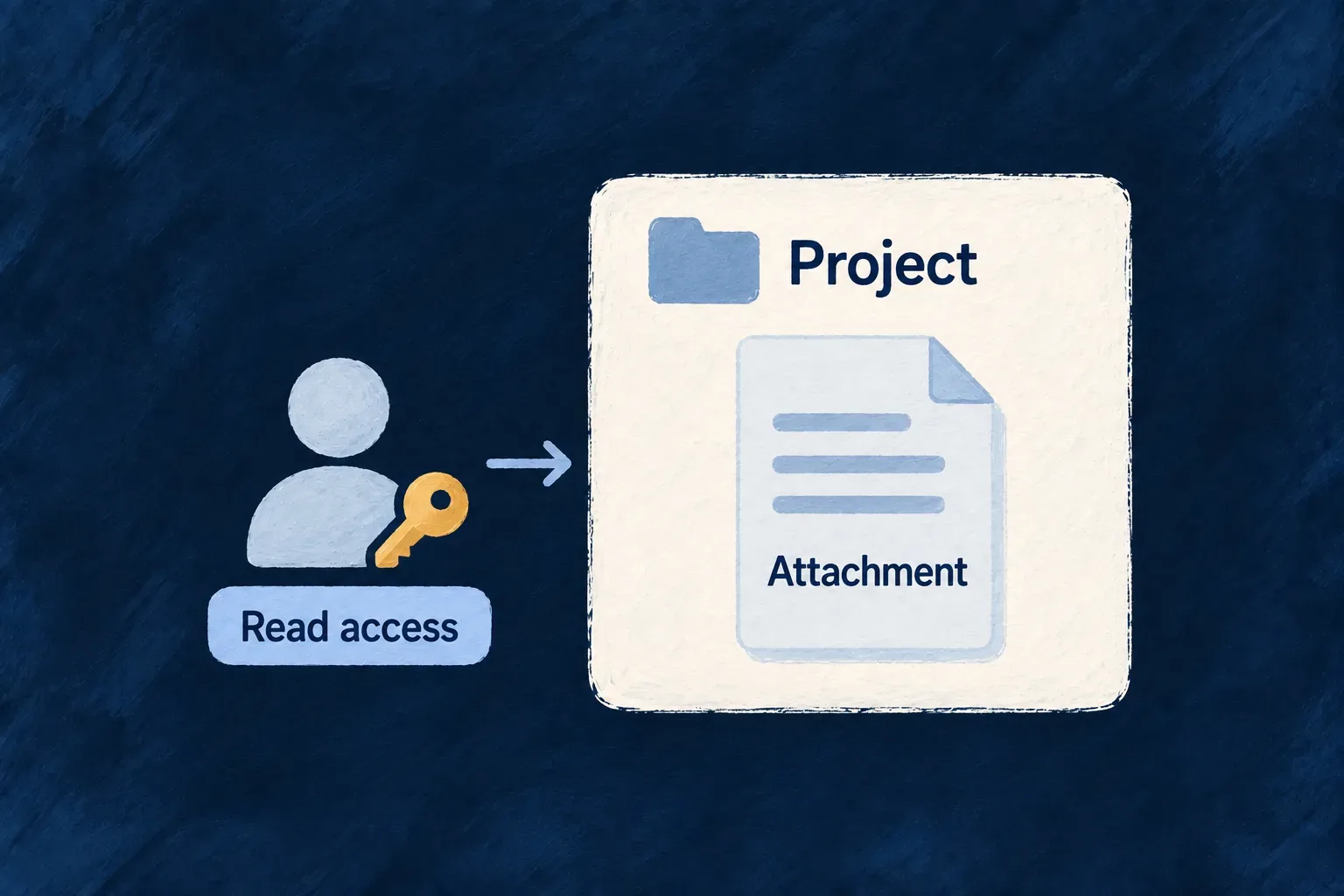
Make attachment access follow the record
An attachment often needs the same access restrictions as the record it supports. Wildo’s resource file route reuses that record’s read authorization, then verifies that the requested file belongs to the specified record and field.
This route keeps attachment access connected to the owning record. Direct file routes and public shares have separate access rules; the application must choose its exposed paths consistently with its confidentiality policy.
Example — Open an attachment through its request
A request is readable only by its assigned team. Its attachment preview uses the request’s file route, so access to another request or knowledge of a file ID does not satisfy that route’s checks.
For engineers
Use the resource file route for record permissions
The controller runs the owning resource’s read authorization before invoking handleFileServe. The handler then reads the file through its scope-aware service and verifies the exact binding. This excerpt from resource-file-upload-handler.backend.service.ts starts after input validation; comments are omitted.
const file = await this.filesService.getFile(fileId, executionContext);

const belongsToRouteResource =
  !!file &&
  file.linkedResourceType === resourceType &&
  String(file.linkedResourceId) === String(resourceId) &&
  file.linkedFieldName === fieldName;

if (!belongsToRouteResource) {
  this.logDebug('File serve denied: file not linked to route resource/field', {
    fileId,
    resourceType,
    resourceId,
    fieldName,
    linkedResourceType: file?.linkedResourceType,
    linkedResourceId: file?.linkedResourceId,
    linkedFieldName: file?.linkedFieldName,
  });
  throw this.errorBuilder.buildError(
    ErrorType.NOT_FOUND,
    executionContext,
    {
      customMessageReference: ErrorCustomMessageReference.FILE_NOT_FOUND,
      context: { fileId }, // diagnostic (log-only)
    },
  );
}
Respect both readiness and removal
After ownership is established, the serve handler checks lifecycle state. Deleted or erased files are withheld as not found. Pending, scanning and other non-downloadable states produce a not-ready refusal; UPLOADED, LINKED, ORPHANED and CLEAN are the downloadable states, but a resource route still requires the exact current record and field binding. A file ID is therefore not a permanent authorization to receive bytes.
The same stream service applies response hardening and the optional thumbnail rendition after these checks. Storage credentials remain on the backend.
Choose links according to the intended boundary
The direct authenticated /files/:fileId and metadata routes authorize the file’s own scope and membership. They do not add every restriction on its owning record. A share token is another deliberate access path: the bearer token authorizes that file without authenticating the recipient.
Use resource-derived serve links when a view must follow the record’s read restrictions. Treat direct file access and public sharing as separate application access decisions; the resource route’s stricter checks do not automatically change those other doors.
Build a preview from the displayed record
ResourceAutomaticDisplayer uses the public buildResourceFileServeBaseUrl helper from @wildo-ai/saas-frontend-lib. It supplies the current operation, resolved parent context and the displayed record’s own identifier. This matters for singleton views such as a person’s own profile: their READ address may omit an ID, while the file route still needs the actual record ID.
This excerpt shows the real consumer’s builder call. The surrounding component supplies the registry, operation and context values:
const serveBase = buildResourceFileServeBaseUrl({
  registry,
  resourceConfig,
  operation,
  resourceType,
  fieldName,
  recordId,
  contextResourceIdentifiers,
  contextualParameters,
  parentResourcesRequirements: resourceContextRef.current.parentResourcesRequirements,
  apiBaseUrl,
});
if (serveBase) serveBaseByField[fieldName] = serveBase;
The helper returns a base ending in /files/<fieldName>. Append the selected file ID and fetch through the authenticated client. If the record or parent context is unresolved, it returns null; wait for that context instead of substituting a global URL and silently changing authorization.
| Link used by the display | What it establishes |
|---|---|
Resource-derived serve base plus file ID | Parent READ authorization, file scope, and exact record/field binding before bytes are served |
Global /api/v1/files/<fileId>/metadata | File-scope metadata access; the standard displayer uses this separate route to load metadata |
Global /api/v1/files/<fileId> | File-scope byte access, with its own lifecycle checks |
| A public share-token URL | Delegated access to the token’s bound file |
Global file routes remain registered regardless of which preview URL a view chooses. A stricter parent READ rule therefore does not establish the same restriction on every file access path. Review those paths together when deciding what access your application promises.