
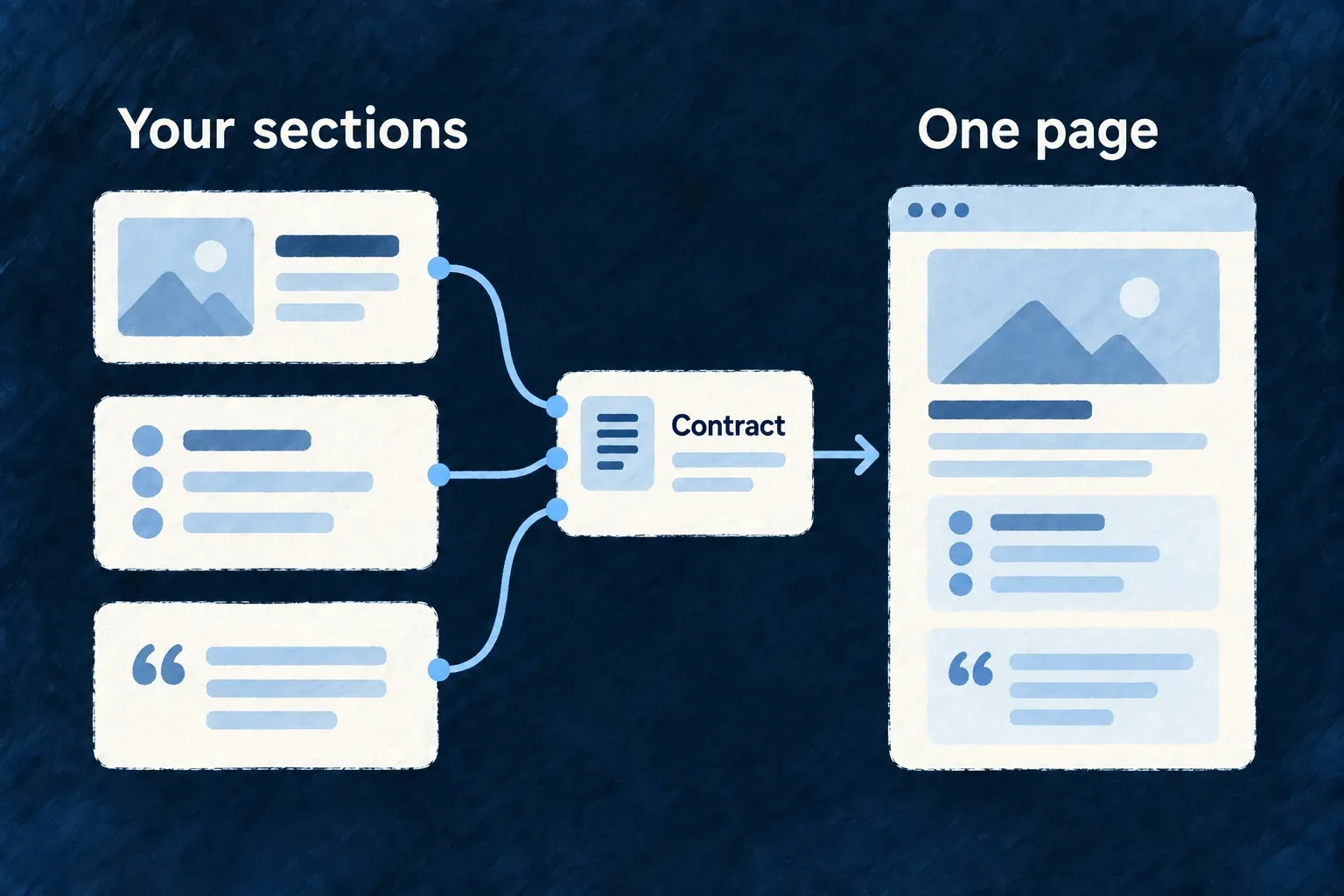
Design your sections around your story
A page section can have its own markup and layout while declaring the words and structured information it needs. Wildo checks that contract without prescribing a stock landing-page design.
Example — A hero with its own voice
A product team creates a headline, introduction and two actions in its own composition. The section declares the translation keys it expects, so its words can be checked alongside the page.
For engineers
Wonder Todos defines its hero in website/src/sections/landing.sections.tsx. This is the actual registration; HeroBody, landingKey and the structured-data builder are defined in that application:
export const LANDING_HERO_SECTION = defineWebsiteSection<Record<string, never>>({
  sectionRef: 'landing-hero',
  category: WebsiteSectionCategory.HERO,
  expectedLabelKeys: [
    landingKey('landing-hero', 'eyebrow'),
    landingKey('landing-hero', 'headline'),
    landingKey('landing-hero', 'subheadline'),
    landingKey('landing-hero', 'cta.primary'),
    landingKey('landing-hero', 'cta.secondary'),
  ],
  Component: HeroBody,
  getStructuredData: () => buildLandingStructuredData(),
});
defineWebsiteSection and WebsiteSectionCategory are public root exports of @wildo-ai/saas-website. The factory parses the declaration at module load and retains the component’s prop type. It does not supply the hero markup.
The page renders the registered body through its section context:
      <WebsiteSection
        sectionRef={LANDING_HERO_SECTION.sectionRef}
        category={LANDING_HERO_SECTION.category}
      >
        <LANDING_HERO_SECTION.Component />
      </WebsiteSection>
Keep the section in the page’s sectionRefs and in the site’s section registry. WebsiteSection supplies the context used by useWebsiteLabel; the language packs must carry the declared absolute keys. The label validator checks coverage; it cannot judge whether the writing communicates the product well. The page component chooses order, spacing and narrative.