
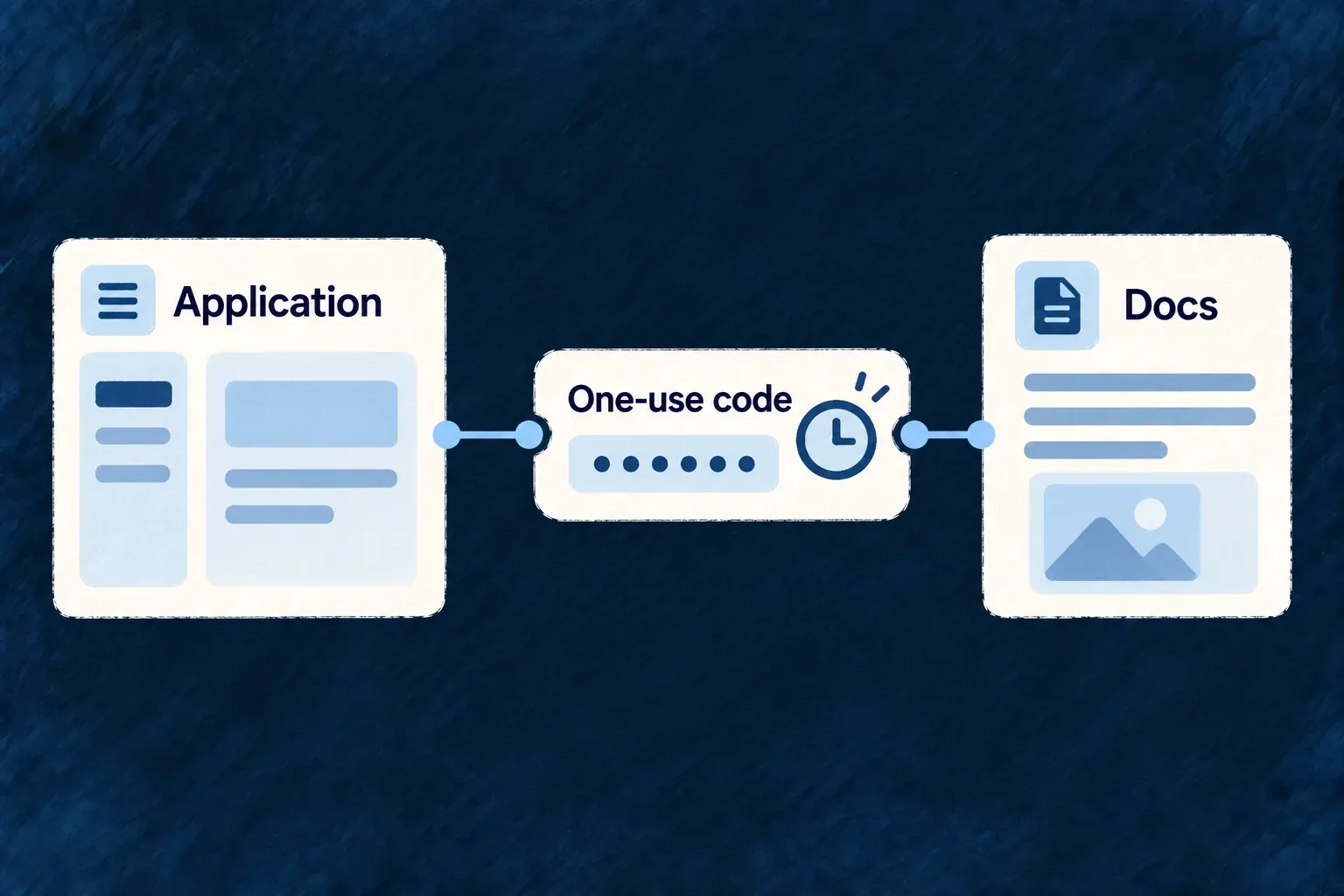
Continue into documentation with a short-lived session
A configured documentation site can receive a sign-in handoff from the application. It holds a short-lived session for participating documentation interactions while the application remains the owner of authentication.
Example — Open documentation from a signed-in application
The application issues a single-use code for its configured documentation service. The portal exchanges it and continues to the intended local page without asking the reader to repeat the login.
For engineers
The documentation root mounts DocsAuthProvider when its API origin is configured and passes the docs frontend service name. That name must match the declared target so the backend can validate the exchange. The current Wonder Todos portal includes both the provider and its /auth/exchange route.
This selected route fragment shows why navigation must stay inside the existing SPA tree:
const sessionIsAvailable = typeof apiBaseUrl === 'string' && apiBaseUrl.length > 0;

// Inside the existing Docusaurus Layout and main element:
{sessionIsAvailable ? (
  <AuthExchangePage onSuccessNavigate={(returnPath) => history.push(returnPath)} />
) : (
  <p>This documentation site is not connected to an application.</p>
)}
AuthExchangePage and the provider come from @wildo-ai/saas-technical-doc/runtime. The surrounding Docusaurus route supplies history and apiBaseUrl from its router and configuration. A full reload would discard the in-memory session immediately after exchange; client-side navigation preserves it.
Keep authentication separate from content protection
The backend validates the target and consumes the code. The docs provider keeps the access token in memory with expiry; it does not add persistent session storage or a refresh loop. A new tab or expired session needs a fresh handoff.
Mounting this receiver does not make static documentation private. Protected publication and authorization of an interactive API request are separate concerns. Configure the target’s public origin, API origin and service name, and verify the actual exchange with the intended deployment before claiming a working authenticated journey.