
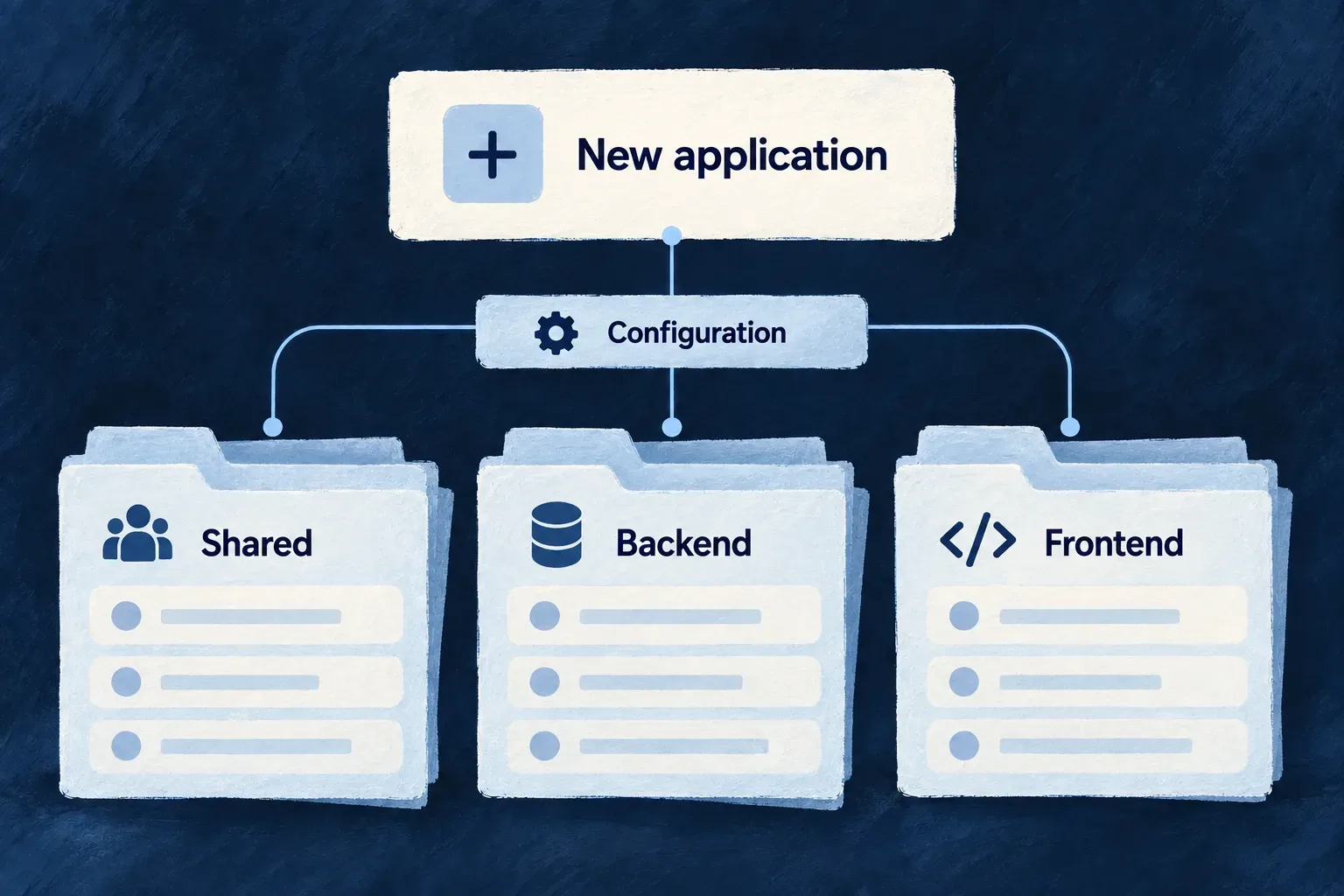
Start with a connected application workspace
A new application needs more than empty folders. Its shared definitions, backend, interface and specifications must agree on how they fit together.
Wildo creates that starting structure with local environment configuration and development knowledge. You begin with the framework connected; your business objects, workflows and experience remain yours to build.
Example — Start a service-management application
Create a workspace for a service team, then add modules for customers and requests. The first command establishes the application’s shared structure; composition adds each business area as its purpose becomes clear.
For engineers
From the empty directory that will become your application, this illustrative command sequence uses the shipped CLI flags. The administrator details are requested interactively; no credentials belong in the example or committed configuration.
wildo init --check
wildo init --name service-desk \
  --runtime docker-compose \
  --database postgresql

wildo align-deps --write
wildo assets sync
wildo config sync
wildo dev start
init --check verifies development tools without scaffolding. The ordinary init path renders files, installs dependencies and performs initial compilation unless --skip-install is selected. Follow the command’s reported next steps if installation or initial compilation needs attention. --config-only has a different purpose: it writes the application configuration rather than the complete skeleton.
Know which decisions the scaffold connects
| Created element | Its role in the application |
|---|---|
| Specifications | The business and interface descriptions that guide implementation |
| Shared library | Resource definitions, relationships and shared contracts |
| Backend and frontend | The processes that consume those contracts |
| Infrastructure declarations | Environment and service choices used to derive process configuration |
| Workspace configuration | Package membership, TypeScript settings and dependency versions |
| Delivered framework knowledge | Templates, references, skills and rules available to development tools |
The generator derives dependency pins from framework metadata and development package lists from the workspace it actually creates. Framework-developer mode links to a checkout; application-creator mode uses published packages. The selected delivery mode changes dependency resolution, not the business role of each package.
Give each local application its own space
Initialization registers the local environment, provisions its secret material and allocates a port block by inspecting authored sibling application configurations under the framework checkout’s examples/ directory. --port-base supplies an explicit starting port when the workspace needs a deliberate allocation. It is still the operator’s responsibility to resolve unrelated processes already listening on a chosen port.
Administrator identity belongs to local initialization, not a reusable module. Optional --admin-email, --admin-first-name and --admin-last-name flags must be supplied together to bypass identity prompts. Keep passwords in the supported local secret flow; omit --admin-password to let initialization generate one.
Distinguish repair from regeneration
Re-running wildo init inside the application it created uses a repair path: it reuses administrator identity from usable saved secrets and backfills missing secret material without rotating existing credentials. If usable secrets are absent, it resolves the administrator identity again from supplied flags or interactive input. It does not overwrite your application with a fresh skeleton. Initial scaffolding refuses an unrelated non-empty target directory.
After a framework upgrade, dependency alignment and wildo assets sync refresh the delivered inputs. Configuration synchronization derives environment artifacts from your current declarations. A working platform registration is required for the deployment-related synchronization phase; it is separate from creating the local application structure.