
See and guide application development
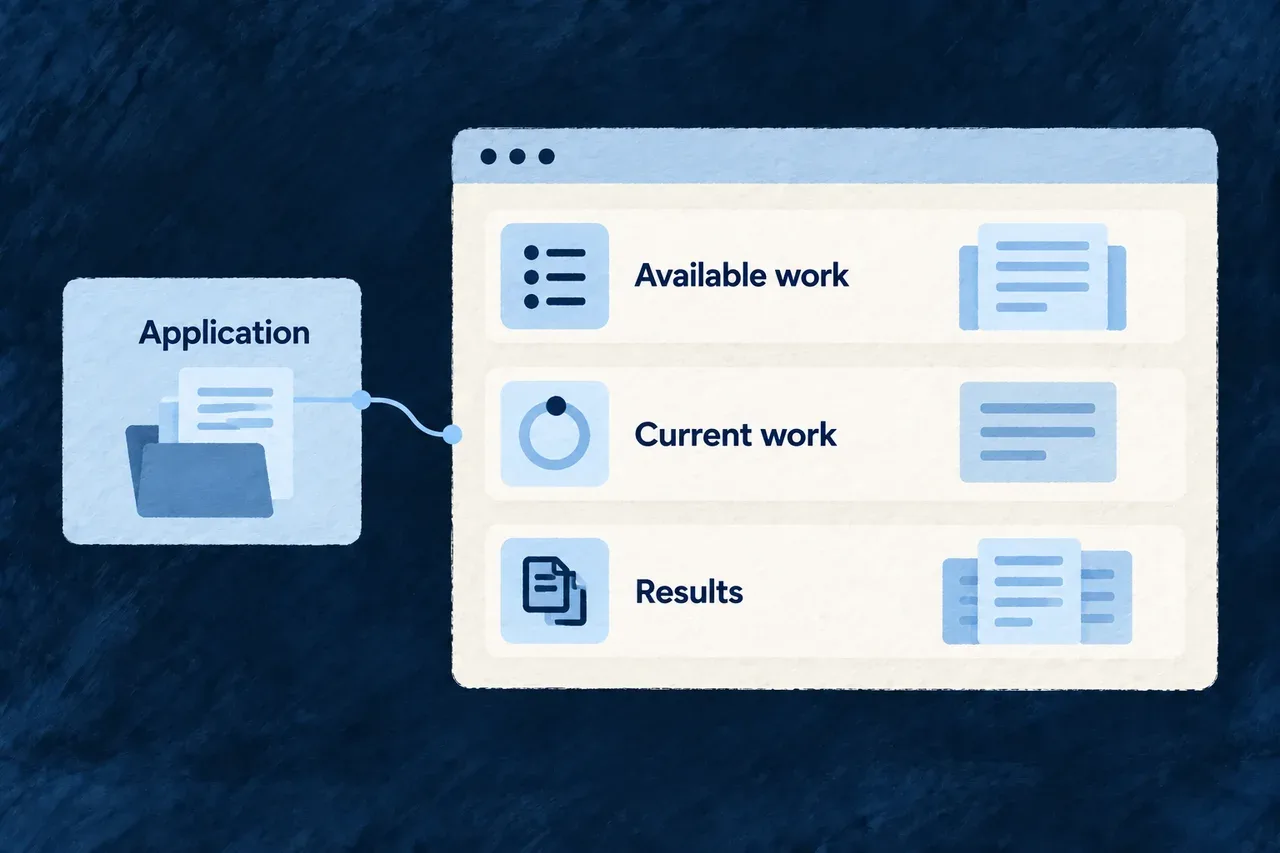
A command can answer a focused question. Following a developing application also means seeing its structure, the work available and the results together.
The workbench brings those views into a local browser interface. It presents application artifacts and creation activity through Wildo’s own resource and display mechanisms, with actions connected to the companion’s development services.
Example — Review a result before choosing the next action
A developer opens the workbench to inspect a produced domain plan, checks the related creation activity and reads the resulting files. That context helps them decide whether to revise the product definition or continue implementation.
For engineers
Open the workbench for the intended application
Run these commands from a configured application root using a local Docker Compose environment. The development command stays in its own terminal:
# Terminal 1: start the supervised local development environment.
wildo local dev

# Terminal 2: check the companion and discover its inspection views.
wildo context health
wildo context list

# Read the separate companion, semantic and frontend readiness fields.
wildo workbench status

# Open the application-specific local browser destination.
wildo workbench open
A successful status command means the status was read, not that every field says ready. Opening the URL does not start a missing frontend process. The workbench has its own local origin; its development server proxies /api and /health to the companion.
Reuse application contracts in the development interface
The workbench is an ordinary Wildo frontend. Its bootstrap supplies resource configurations, relationships and UI behavior to ApplicationMainProvider. This selected excerpt from the workbench’s main.tsx shows that connection; surrounding environment setup and the provider’s remaining options are omitted:
ReactDOM.createRoot(rootElement).render(
  <React.StrictMode>
    <ApplicationMainProvider
      options={{
        env: workbenchEnvironment,
        customShared_ResourcesConfigurationsFactoryMap: workbenchComposedResourcesConfigurationsFactoryMap,
        customShared_ResourceFieldIdentifier: workbenchComposedResourceFieldIdentifier,
        customShared_ResourcesRelationships: workbenchComposedResourcesRelationships,
        excludedResourceTypes: WORKBENCH_EXCLUDED_RESOURCE_TYPES,
        baseFrontendConfig: APP_STANDARD,
        resourceUIBehavior: workbenchModuleRegistry.resourceUIBehavior,
        // Additional shell options omitted from this reduced excerpt.
      }}
    />
  </React.StrictMode>,
);
The highlighted resource contracts define what the workbench can represent and connect. The UI behavior controls how those resources are presented. This is framework implementation evidence, not a new bootstrap the application author must copy.
Separate identity, resource actions and local commands
| Concern | Current responsibility |
|---|---|
| Operator identity | The workbench authenticates against the platform identity store |
| Application users | Belong to a separate identity store; an application administrator role does not itself grant platform access |
| Creation actions | Registered resource operations on the companion’s /api/v1 plane handle actions such as dispatch and reviewable changes |
| Remaining custom calls | Use the companion router’s separate method/path policy |
| Product administration | Remains the business application’s own interface |
Authentication establishes the operator’s identity; inspect each resource operation’s authorization and application context when evaluating access. Do not infer universal cross-application isolation from the login screen alone.
Read the result as well as its status
The workbench provides representations of specification artifacts and development activity. A completed activity is useful navigation into its output; it does not prove that the resulting application satisfies its requirements. Inspect the artifact or diff and the verification relevant to that change.
The execution trace explains recorded inputs and events. The companion interface explains how development surfaces reach their services.