
Keep the current project close at hand
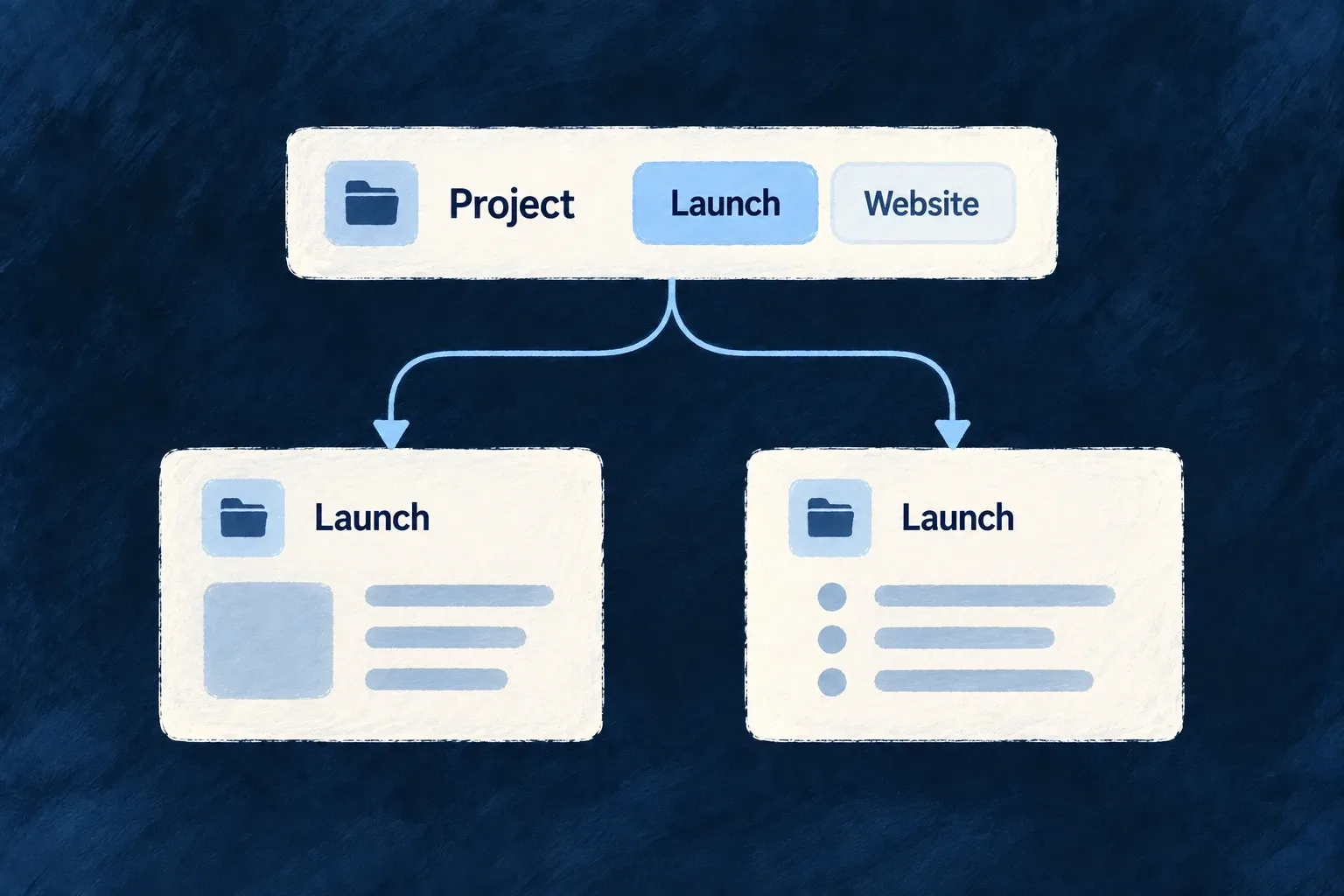
A scope selector keeps a relevant project, list or other parent record available in the application shell. The selection supplies context to routes and scope-aware lists as people move through their work.
It follows the current surface as well as letting people change context. It is a navigation aid; the backend still decides which records the person may access.
Example — Stay within the selected list
A person selects a task list from the shell. Related task views use that list as context, and opening another list updates the selection to match.
For engineers
Declare the scope field at the module’s shell boundary
Wonder Todos declares this selector in app-shell.module.frontend.ts:
export const moduleQuickSwitcherFields: QuickSwitcherScopeField[] = [
  {
    resourceType: TasksManager_ResourceType.TODO_LISTS,
    fieldIdentifier: 'todoListId',
    position: 0,
    persist: true,
    optionDisplayMode: ForeignKeyDisplayMode.SUMMARY,
    presentation: QuickSwitcherFieldPresentation.ICON_LED,
  },
];
The module contributes quickSwitcherFields through ShellModuleContributions. resourceType selects the records offered; fieldIdentifier is the value the scope carries. The resource and scope-aware routes must already exist.
The shell must also enable ApplicationLevelComponentType.QUICK_SWITCHER and host that component in its menubar or sidebar. Follow the complete shell hosting example for the module aggregation and both shell configuration entries. An existing host can be reused; declaring fields alone does not put a selector on screen.
Separate the option from the closed control
SUMMARY shows the resource’s summary content in each option. ICON_LED controls how the closed selector sits in the shell; it does not change the option’s record representation. position orders controls and persist retains the selection.
Let routes and selection agree
AppScopeContext turns scope values into route identifiers and request parameters. A record surface can establish its selected record; a collection surface can clear the corresponding selection. Configure one selector per resource scope rather than duplicating competing controls.
The selector does not grant membership or create a security filter. Resource scope and authorisation remain necessary even when the control only offers records the user can see.