
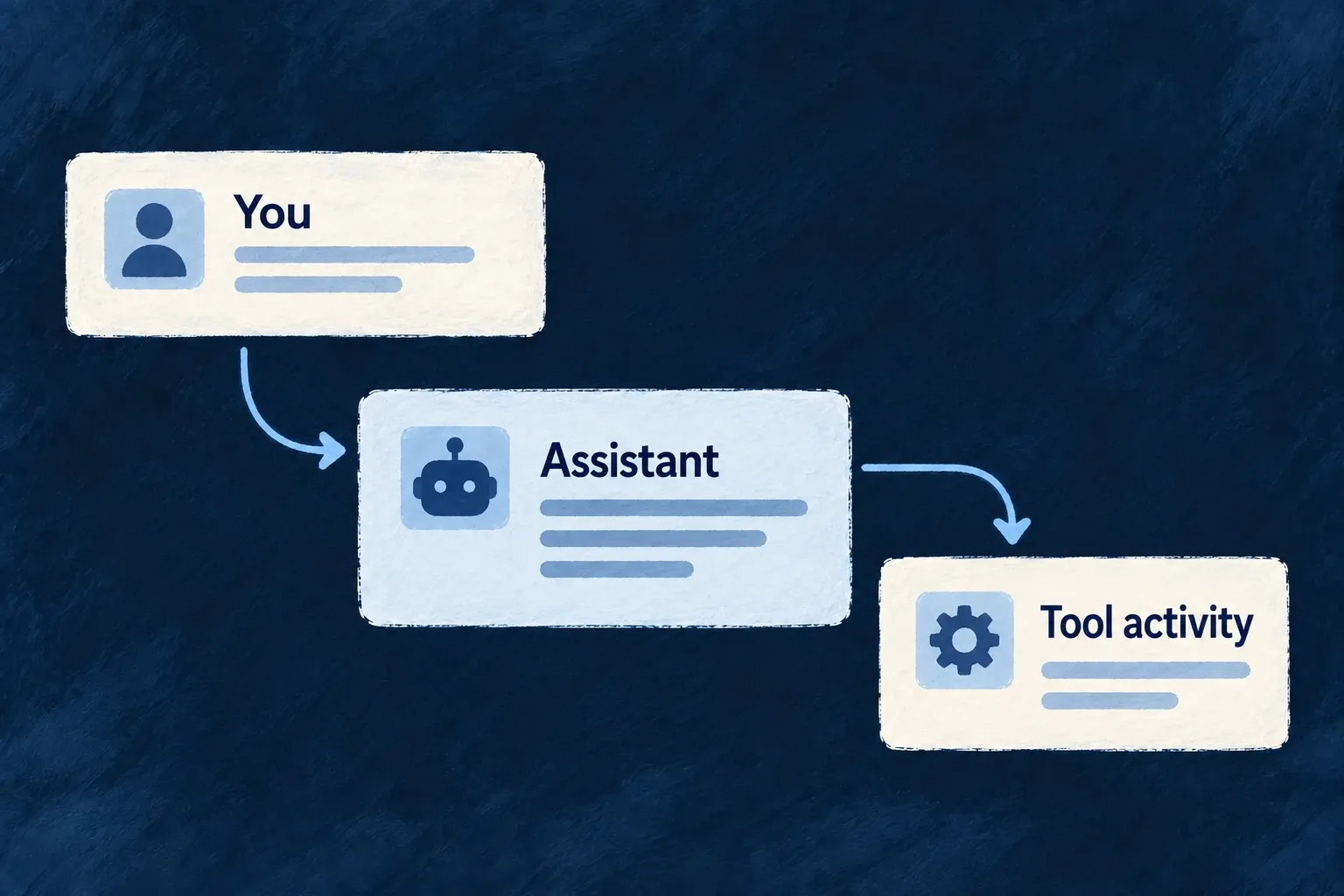
Make assistant activity understandable
An assistant interface needs more than a text box. People need to follow the conversation, see work in progress and understand when their decision is required.
Wildo provides chat and agent-interface components alongside a conversation host for configured flow/actor systems. The application supplies the assistant’s behavior, tools and backend configuration.
Example — Keep the reply and its activity together
A task assistant displays its conversation and a working indicator while a reply streams. If that execution requires approval, the request appears beside the turn that needs the decision.
For engineers
Connect a real system to its frontend view
Wonder Todos registers this actual app-level flow/actor view; the surrounding array and commentary are omitted:
{
  ref: 'todo-assistant-view',
  scope: FrontendView_ScopeMode.APPLICATION,
  isAddressable: true,
  operationLike: CoreResourceOperation.READ,
  primaryScope: ResourcePrimaryScope.ORGANIZATIONS,
  systemRef: 'todo-assistant',
  layoutPreset: 'Default',
},
systemRef must match the backend’s registered flow/actor system. The frontend module contributes the definition through flowsActorsViews; the relevant module must be installed, and the backend must have the model/provider and tool configuration the system uses. A view definition does not create an assistant or its tools.
Choose the conversation host or compose the lower-level elements
FlowsActorsView is a chat-first host: discussions, transcript, prompt input and execution feedback. It reads prior conversations from the server and continues a thread through the execution service. Its current assistant view deliberately does not show the actor graph beside every conversation.
Lower-level conversation, message, prompt, reasoning, tool and graph elements are separately registered components. A custom agent interface can compose them, but it must connect their state to the real execution and tool results. The graph component has a lazy loading boundary; preserve that when an application does need structural exploration.
Keep decisions attached to the execution
The conversation host mounts FlowsActors_ApprovalRequest for a pending turn’s execution ID. That renders a decision only when the execution actually carries a pending approval. An approval queue remains useful for work outside the currently open conversation; it is a different placement, not a replacement for the inline decision.
Distinguish a streamed draft, a completed tool result and a failed execution in the interface. The component library supplies presentation contracts; authorization, tool implementation and whether a task succeeded come from the backend runtime.