
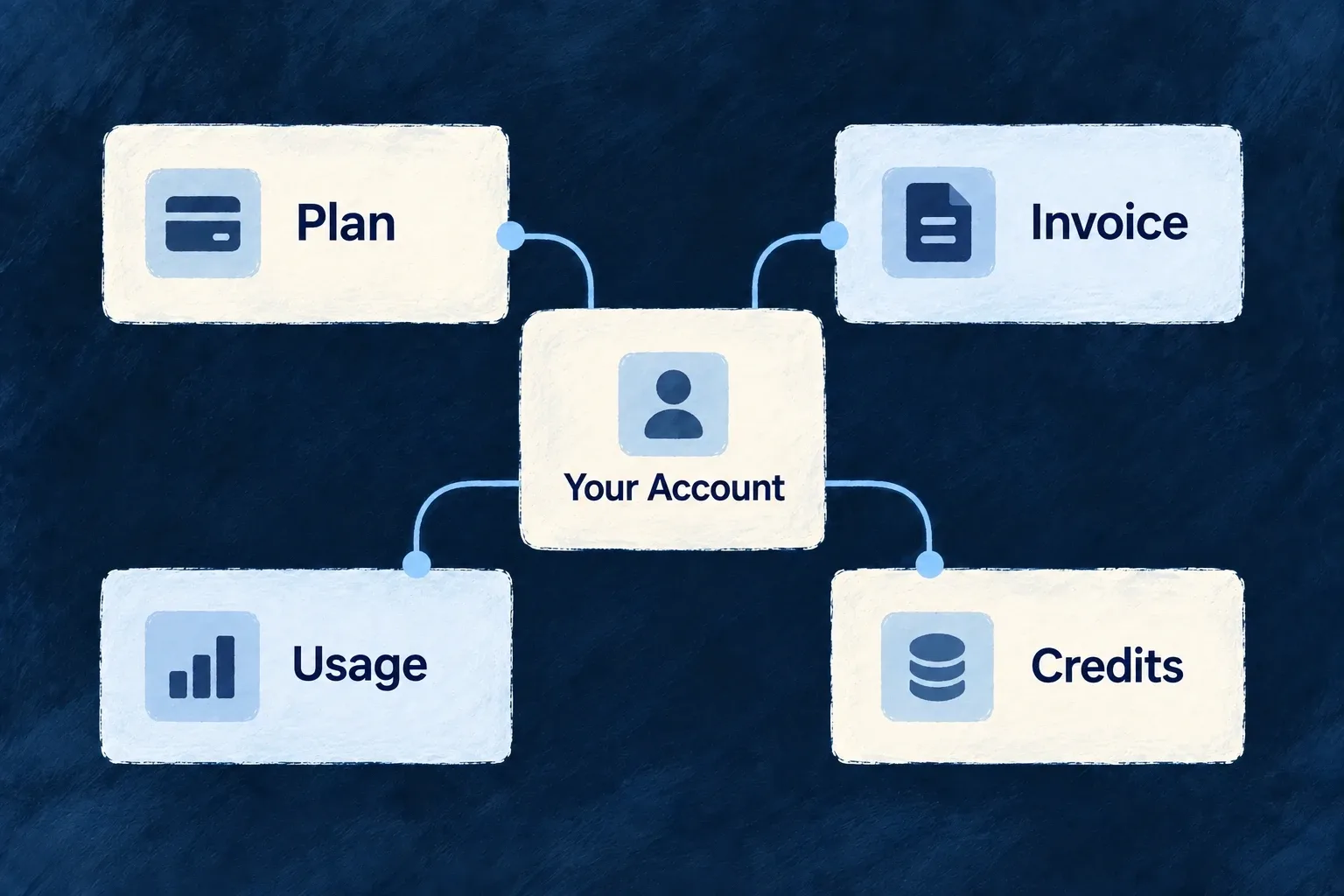
Build billing screens from one customer view
Read the customer’s account, subscription, catalogue, invoices, usage and credits together. The shared billing context keeps standard components and custom screens working from the same scoped state.
Example — Show a plan beside its allowance
A workspace’s billing screen shows its current plan, recent invoices and recorded usage together, without each panel deciding which customer to load.
For engineers
Use useBilling() inside BillingProvider; use useBillingSafe() for a component that can appear without billing. The provider resolves the active payer and calls the scoped account’s GET_STATE operation. A successfully checked, absent account can be created through the billing account service path. A failed account lookup never counts as absence and does not trigger account creation.
Separate displayed offers from held products
The aggregate can retain a retired product because the customer’s subscription still references it. Its backend acquirableProductKeys distinguishes active purchase candidates, but the current useBilling() interface does not expose that field. For custom UI, use the supported context projection below: the returned products, their activity/visibility/scope fields and currentPlanProduct. The backend still validates every attempted purchase.
This complete component deliberately shows keys for inspecting the contract. A customer-facing screen should resolve product names from the application’s billing labels.
import { useBilling } from '@wildo-ai/saas-frontend-lib';
import { BillingStateSlice } from '@wildo-ai/saas-models';

export function OfferProjection() {
  const billing = useBilling();
  if (billing.isLoading) return <p>Loading offers…</p>;
  if (billing.error) return <button onClick={billing.refetch}>Reload billing</button>;
  if (!billing.isSliceAvailable(BillingStateSlice.PRODUCTS) || !billing.currentScope) {
    return <button onClick={billing.refetch}>Offers unavailable — retry</button>;
  }
  const scope = billing.currentScope;
  const candidates = billing.products.filter(product =>
    product.isActive !== false && product.targetScopes.includes(scope));
  const publicOffers = candidates.filter(product => product.isPublic);
  const subscriptionKnown = billing.isSliceAvailable(BillingStateSlice.SUBSCRIPTION);
  const heldPlan = subscriptionKnown ? billing.currentPlanProduct : null;

  return <section>
    <h3>Public purchase candidates</h3>
    <ul>{publicOffers.map(product => <li key={product.key}>{product.key}</li>)}</ul>
    {publicOffers.length === 0 && <p>No public offer in this scope.</p>}
    {!subscriptionKnown ? <p>Current subscription unavailable.</p>
      : <p>Current plan: {heldPlan?.key ?? billing.currentPlanKey ?? 'No plan'}</p>}
  </section>;
}
| Distinction | Meaning for the interface |
|---|---|
| Public | May appear in the public offer list; this is visibility, not permission |
| Purchase candidate | Active and applicable to the payer scope; price and server-side checks still apply |
| Already held | Referenced by the current subscription, including a retired offer; show it without advertising a new purchase |
isActive !== false follows the server’s acquisition predicate, including its treatment of an absent activity value. The public listing adds its own visibility filter. Do not label a product “free” because prices failed to load: read the price slice before interpreting its contents.
Distinguish empty from unavailable
A successful response includes availability for the billing account, subscription, products, prices, invoices, usage, credit pools and active promotions. AVAILABLE means the read succeeded: an empty invoice list really means no invoices were returned. UNAVAILABLE means the slice could not be established; its empty fallback is not evidence that the customer has no invoices, no subscription or no remaining credits.
Use isSliceAvailable(BillingStateSlice.INVOICES) from the billing context before interpreting an invoice list. Keep healthy sections visible, show an unavailable state for the affected section, and offer refetch. Do not replace the whole billing screen with an error when other slices remain usable.
Availability also follows dependencies. When the subscription cannot be read, usage is unavailable because its billing period is unknown. When products cannot be read, active promotions are unavailable because eligibility depends on the catalogue. Per-slice responses contain availability states, not underlying storage errors; request-wide failures still use the normal error path.
Keep loading and updates visible
The context exposes isLoading, error and refetch, clears previous state when scope changes and listens for billing events belonging to the active account and scope. Standard components consume it; a custom screen should use the same loading/error state and refresh action.
Invoices are limited to the latest fifty in this aggregate. Usage appears only when the application records it. Credits and promotions are their own recorded systems, not estimates derived from the plan label. The aggregate is a convenient read model, while authorization, purchase validation and entitlement enforcement remain backend responsibilities.