
Bring the assistant into your interface
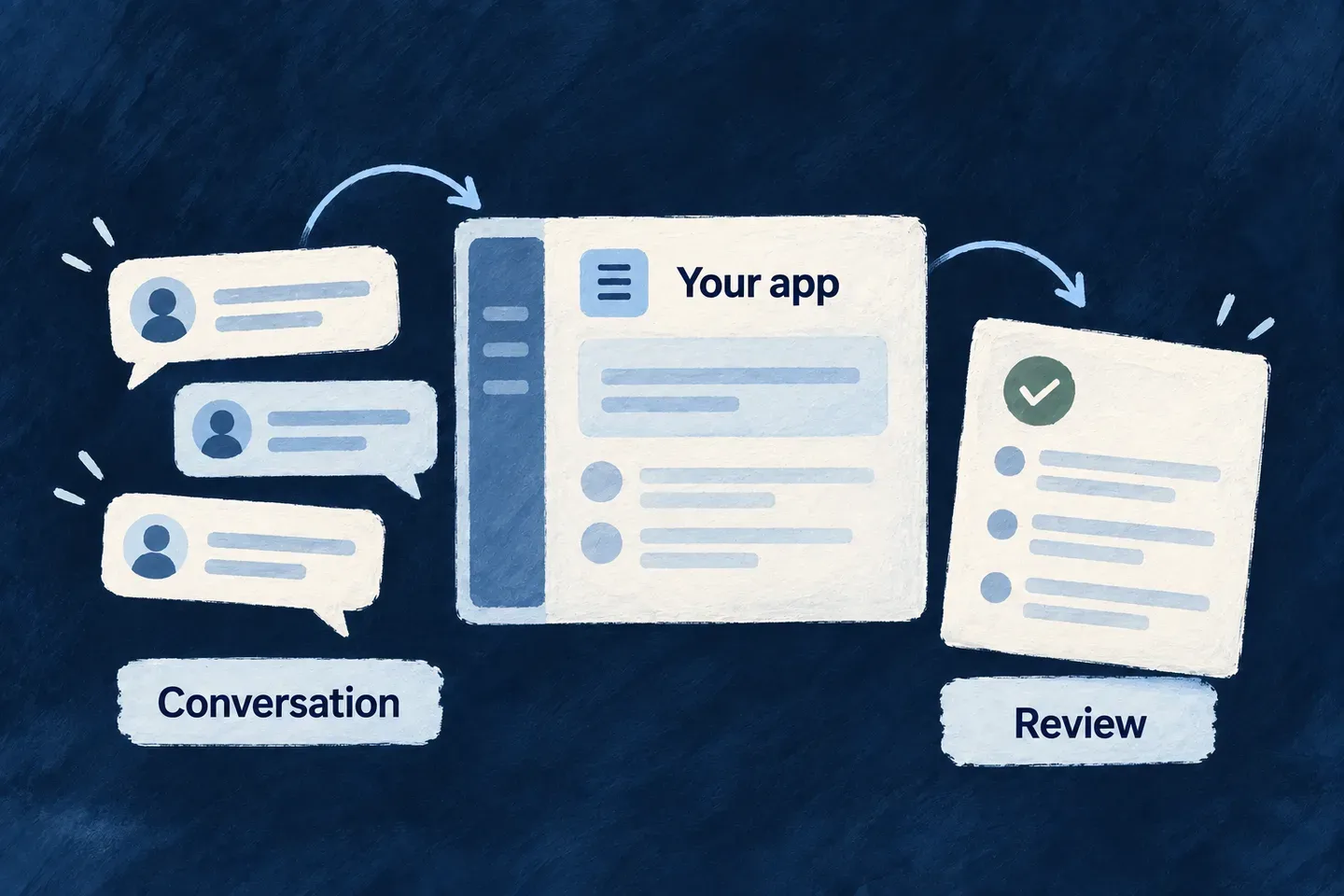
Start with a conversation screen that handles discussions, streamed messages and pending approvals. For a richer experience, compose assistant elements through the same component system used by the rest of your application.
This separates what the assistant does from how people work with it. You can introduce citations, task displays or a different layout where they help, without rebuilding the conversation transport.
Example — Give an assistant its own place
A task application adds a dedicated assistant view. People can continue earlier discussions, watch a response arrive and review a proposed change in the conversation that prompted it.
For engineers
A FlowsActorsViewDefinition references one registered system through singular systemRef. This current Wonder Todos declaration creates an addressable application-level view:
const flowsActorsViewsConfig: FlowsActorsViewDefinition[] = [{
  ref: 'todo-assistant-view',
  scope: FrontendView_ScopeMode.APPLICATION,
  isAddressable: true,
  operationLike: CoreResourceOperation.READ,
  primaryScope: ResourcePrimaryScope.ORGANIZATIONS,
  systemRef: 'todo-assistant',
  layoutPreset: 'Default',
}];
Import the view contract and scope enum from @wildo-ai/saas-frontend-lib/companion, and the resource enums from @wildo-ai/saas-models. Contribute the array through the frontend module’s flowsActorsViews; a launcher references todo-assistant-view. The backend must register the corresponding FRONTEND-visible actor system. A string match between these references is the connection between the screen and runtime.
Choose the level of composition
| Surface | What it supplies |
|---|---|
Standard FlowsActorsView | Header, discussion list, streamed conversation and live approval request. |
| Generic AI elements | Message, citation, trace, task, tool, decision and graph presentation pieces. |
| Flows-actors wrappers | Components connected to executions and decisions in the runtime context. |
| Application composition | Placement, surrounding workflow and additional experience. |
Available elements do not all appear automatically in the standard host. For example, a citation component needs citation data and placement in a screen; declaring an assistant does not create a citation panel. A graph display similarly does not execute a flow.
Keep decisions attached to the conversation
The host renders FlowsActors_ApprovalRequest with the active execution identifier. The wrapper gets the pending arguments and response action from context; it does not establish a second decision channel. Custom surfaces can use that wrapper beside their own messages or use a queue for decisions elsewhere.
The host loads persisted history when the user or system changes and continues a thread using its existing executionId. This is distinct from rendering the transient streamed answer; both need to refer to the same discussion.