
Grow the site with its registrations
A new page needs more than a component. Routes, navigation and labels must agree on where it belongs and how a visitor reaches it.
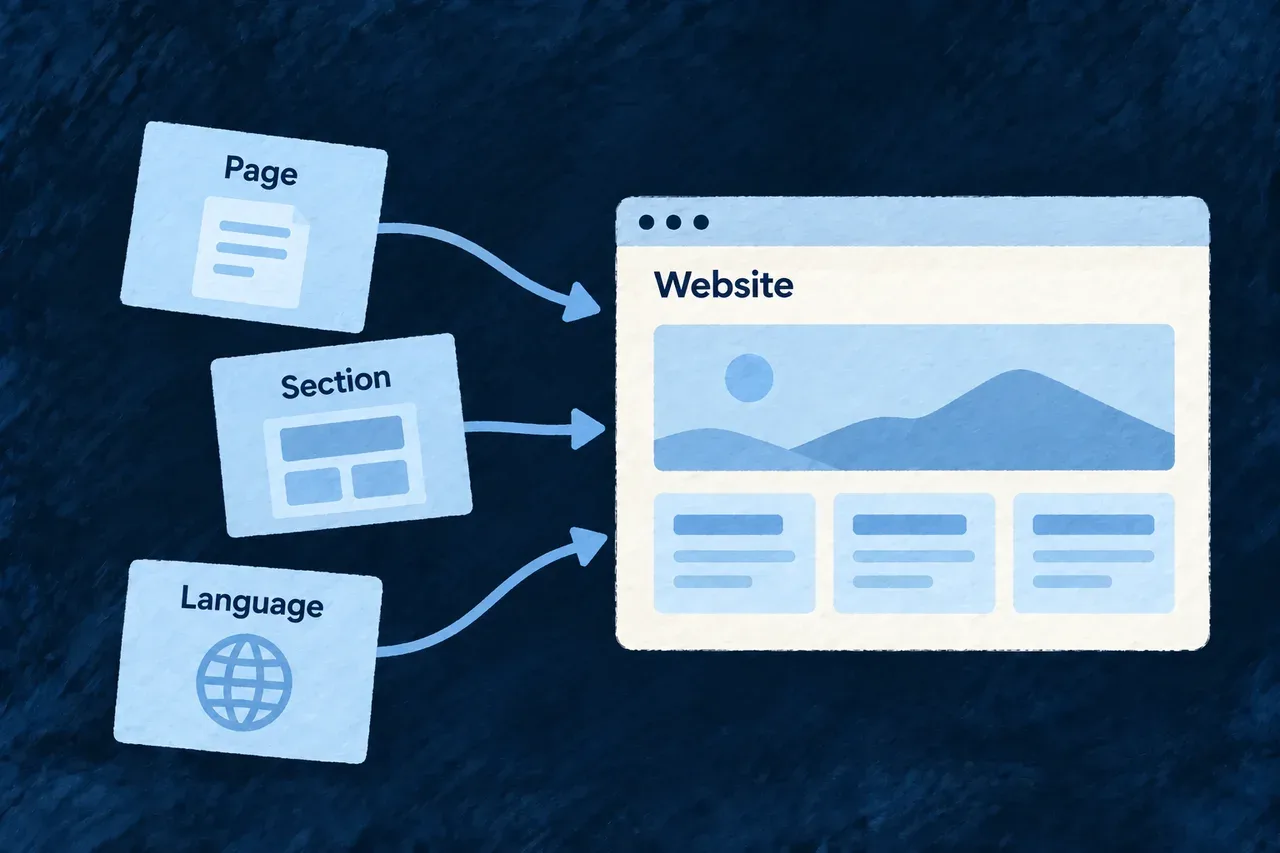
Wildo’s website scenarios add those connected pieces. Separate scenarios extend an existing page or prepare a new language, leaving the content and translation choices with your team.
Example — Add pricing and explain the support included
A team composes a pricing page, then adds a support section to it. The generated routes and registrations provide the structure; the team writes the pricing explanation and verifies the page in the site.
For engineers
Begin with a page
From an application with a composed website, preview an illustrative pricing page:
wildo compose add-marketing-page \
  --var pageRef=pricing --var pageConst=PRICING \
  --var pagePascal=Pricing --var pageTitle=Pricing --var navLabel=Pricing --dry-run
The scenario connects the page implementation, route, registry and navigation labels. Review and apply without --dry-run before previewing a section that targets that page.
Add a section to the existing page
wildo compose add-website-section \
  --var pageRef=pricing --var pageConst=PRICING \
  --var sectionRef=pricing-support --var sectionConst=PRICING_SUPPORT \
  --var componentName=PricingSupport --var headingCopy="Support included" \
  --var bodyCopy="Describe the support your customers receive." --dry-run
The section receives its definition and position in the page’s ordered sections, with starting English labels. The example copy above is a placeholder for the product’s actual offer.
Prepare a language deliberately
wildo compose add-locale --var localeMember=FR --var localePath=fr \
  --var displayName=Acme --dry-run
This prepares the locale declaration, a starting label pack and landing route. Translate the complete label pack and add the routes for the other pages you want in that language. The scenario does not translate all existing content or duplicate every page automatically.
Review connected changes
| Addition | Review together |
|---|---|
| Page | Content, route, navigation and labels |
| Section | Definition, order and copy |
| Language | Locale identity, translations and localized routes |
Preview and collision checks help inspect the planned changes. After application, review the diff and the rendered result; sequential scenarios are not one global rollback transaction. Keep product copy in the application’s content rather than treating generated starter text as a finished message.