
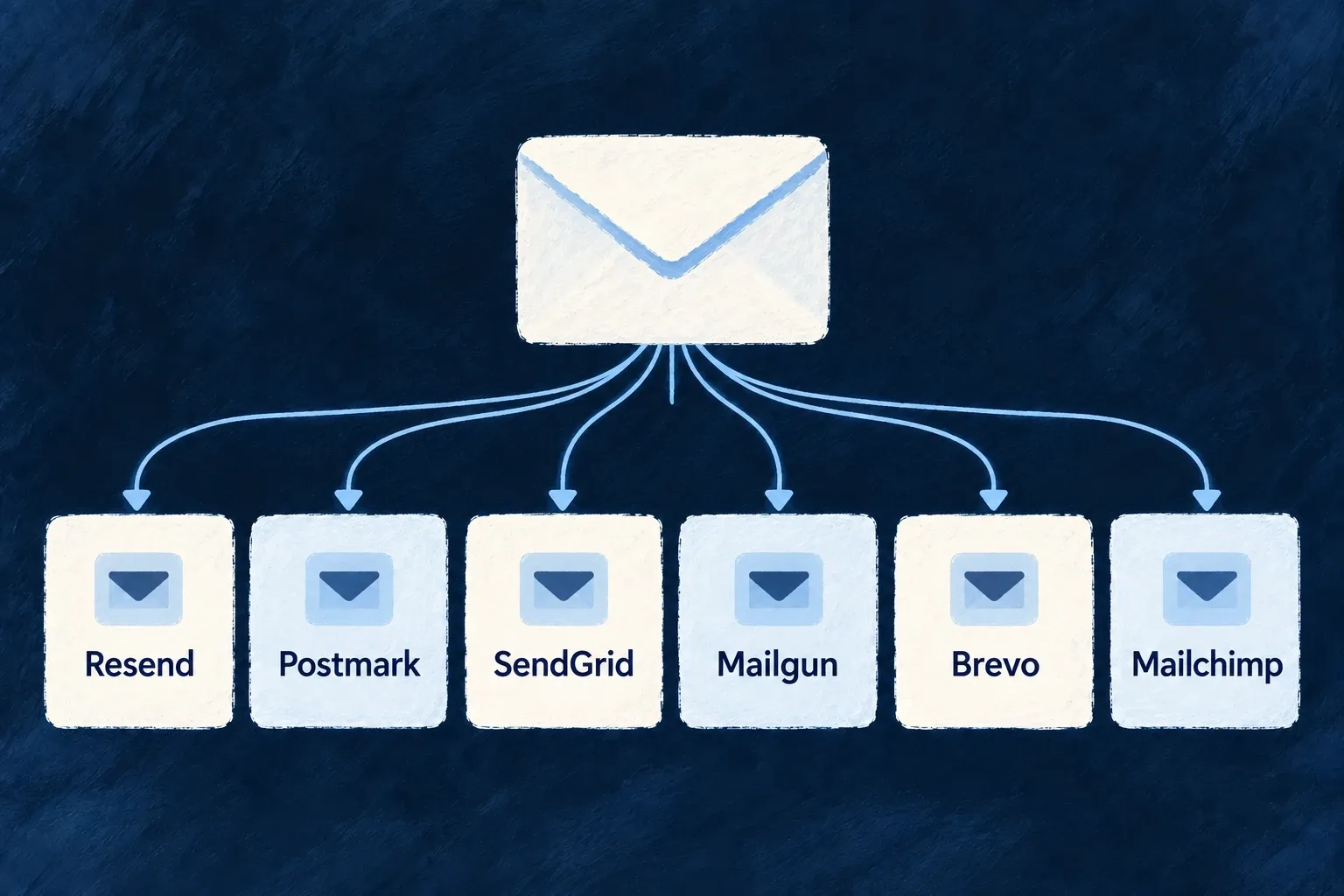
Use an existing email integration
Wildo supplies adapters for established email providers, so selecting one does not require rebuilding message formatting, authentication and response handling.
Each adapter translates the shared email request into the provider’s own contract.
Example — Move delivery to Brevo
Keep the account templates and operation notifications, then configure Brevo as the transactional provider with its deployment credential.
For engineers
Make Brevo available and select it
Application example adapted from the existing backend-scope pattern and Brevo’s module contract. Merge this email section into wildo.saas.config.ts; keep the application’s other capabilities and providers.
import { EngineCapability } from '@wildo-ai/saas-models';
import { defineSaaSProviders } from '@wildo-ai/platform-config-lib';

const emailProviders = defineSaaSProviders({
  scopes: {
    backend: {
      providers: {
        brevo: {
          engineCapabilities: [EngineCapability.EMAIL_TRANSACTIONAL],
          providerCapabilities: ['EMAIL_TRANSACTIONAL'],
          protocols: ['EMAIL_PROVIDER'],
        },
      },
      selection: {
        [EngineCapability.EMAIL_TRANSACTIONAL]: { primary: 'brevo' },
      },
    },
  },
});
Assign emailProviders to the existing config’s providers property and enable EMAIL_TRANSACTIONAL in its engineCapabilities. In backend configuration, set email.from. Put BREVO_API_KEY in the target environment’s secret providerEnv, not in this provider declaration. Regenerate with wildo config sync --env <environment> from the app root, then inspect the backend provider runtime and emitted environment.
Supply the inputs the adapter actually reads
These are the engine adapters’ current configuration contracts, not a comparison of vendor plans.
| Provider reference | Credential environment key | Setup detail that matters |
|---|---|---|
resend | RESEND_API_KEY | Transactional provider selection and a valid sender |
postmark | POSTMARK_SERVER_TOKEN | Uses a server token, not an account-management token |
sendgrid | SENDGRID_API_KEY | Transactional and marketing selections are separate |
mailgun | MAILGUN_API_KEY | Also requires the sending domain for its /{domain}/messages endpoint |
brevo | BREVO_API_KEY | The adapter supplies the API-key authentication header |
mailchimp | MANDRILL_API_KEY | Transactional delivery uses Mandrill’s credential identity |
For Mailgun, the email resolver reads the selected provider configuration’s domain, or MAILGUN_DOMAIN from its environment. This must be the sending domain, not merely the application’s website host. It refuses to send when the required endpoint domain is absent.
Verify the handoff, not just the configuration
Use a registered template and inspect EmailSendResult: outcome, submission identity and provider receipts. The normal sender uses the same template/context API across adapters, while each adapter supplies encoding, authentication and result classification. Attachment ceilings and idempotency support can differ; changing a provider does not erase those differences.
An accepted submission confirms the provider handoff. It does not establish inbox placement. Marketing capability support is a separate routing decision, not campaign orchestration.