
Carry accessible behavior into everyday controls
Keyboard focus, control names and dialog behavior belong to the interface’s building blocks. Wildo supplies shared mechanisms so standard screens can use them consistently.
Your application still chooses meaningful labels, content, contrast and custom interactions. Accessibility is something to preserve and verify as the product changes.
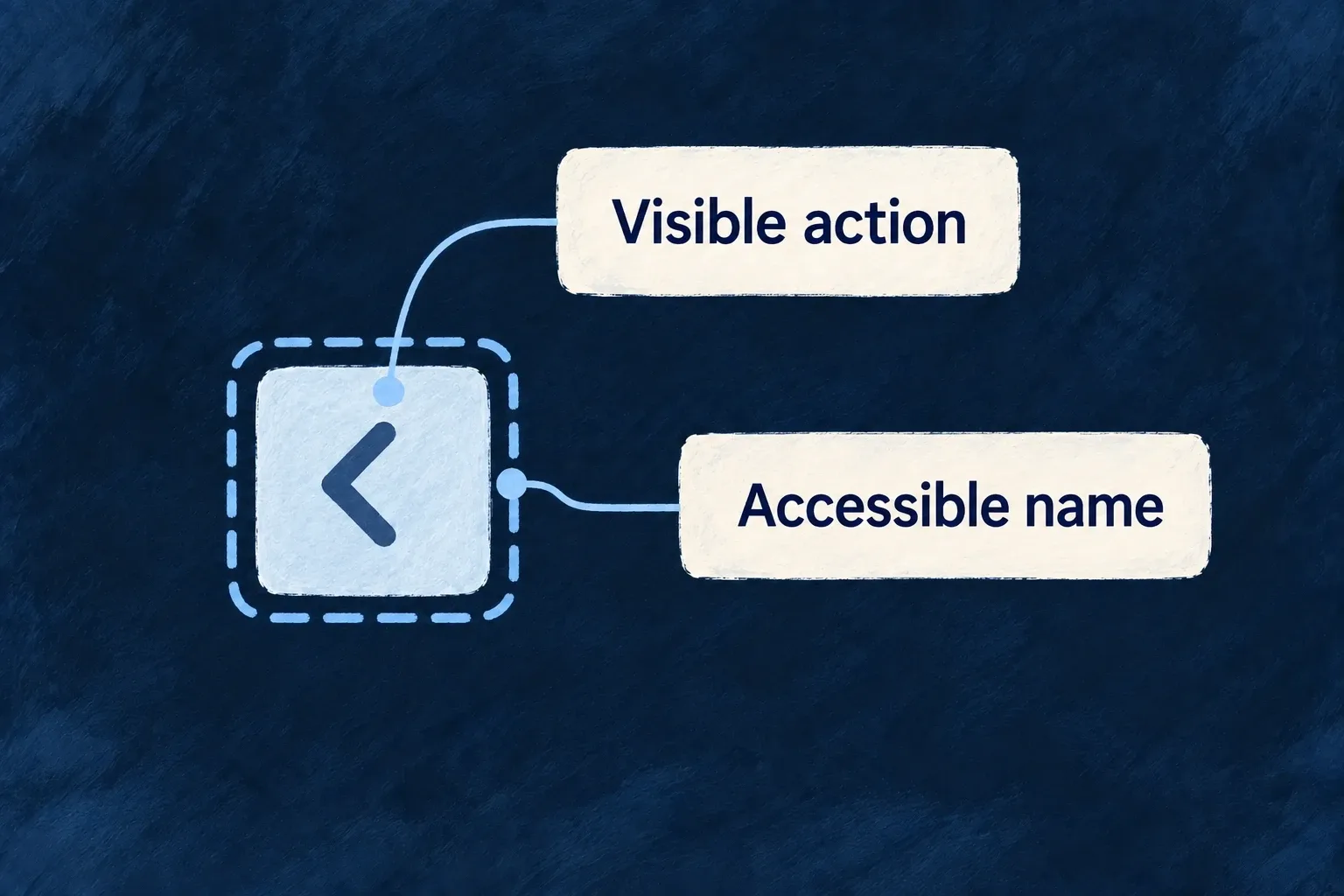
Example — An icon that still has a name
A carousel’s previous button shows an arrow visually and provides a translated “Previous slide” label for assistive technology. The action has a name even when its visible design is compact.
For engineers
The actual carousel preset requests its component labels and waits for readiness before rendering:
  const { tComponent, isReady } = useI18n({
    component: FrontendComponentType.LOW_LEVEL_CAROUSEL,
  })
  const previousLabel = tComponent(FrontendComponentType.LOW_LEVEL_CAROUSEL, 'previousSlide')

  if (!isReady) return null
The same component puts previousLabel in a sr-only span inside the button. The icon is not the name. This connects language loading, control semantics and the visual preset rather than asking each screen to recreate that connection.
Keep inactive navigation out of the tab order
The navigation content host keeps inactive stack entries mounted and applies inert={!isTop}. Their state survives without leaving hidden controls reachable. Custom hosts must preserve that distinction; opacity alone does not remove keyboard interaction.
Surface activates its shared handlers from the merged policy. This exact runtime excerpt shows why a host-managed dialog does not install a second handler:
const shouldActivateFocusTrap = !a11yManagedByHost
  && (policy.a11y?.focusTrap === 'on-mount' || (modal && policy.a11y?.focusTrap === 'when-modal'));
const shouldActivateScrollContainment = !a11yManagedByHost
  && modal
  && policy.a11y?.scrollContainment === 'lock-body';

useSurfaceFocusTrap(surfaceNodeRef, shouldActivateFocusTrap);
useSurfaceBodyScrollLock(shouldActivateScrollContainment);
Put each responsibility at its owning layer
| Responsibility | Shared mechanism | Application decision |
|---|---|---|
| Visible keyboard focus | Theme focus recipes and shared ring utilities | Keep contrast visible in the chosen palette |
| Dialog interaction | Shared focus/scroll handling or an explicitly responsible host | Supply meaningful dialog titles and usable actions |
| Main region | Shell surface policy | Select one canonical owner rather than duplicate landmarks |
| Loading feedback | Shared status and loading-state primitives | Describe the actual operation and recovery path |
| Motion preference | Viewport preference plus participating recipes | Make custom animation respect the same preference |
Wonder Todos opts its canonical shell into a11y.landmarkRole: 'main'. Framework content shells explicitly opt out so nested layout regions do not compete for that role. When a Radix/Vaul host already manages focus or scroll, a11yManagedByHost prevents the surface from installing a second handler.
Use wrappers and their complete label contracts when replacing a component. A custom button that retains only the visual classes can lose its name, keyboard behavior or loading semantics. Test the resulting user journey with keyboard navigation, zoom, assistive technology and both appearances; the shared mechanisms are a foundation, not an automatic conformance claim.