
Labels and emails deserve better
A button needs a label. An invitation needs an email. Neither sounds like much work.
Then the application grows. There are field names, hints, validation messages, empty states, confirmation dialogs and emails for things that happen along the way. Someone renames a concept. A workflow changes. The same action is called three different things in three different places.
Add another language, and every change has more places to reach.
I’ve spent a surprising amount of development time on these details. Writing the first version is usually manageable. Keeping all of it accurate, consistent and useful is the job that keeps coming back.
Application labels were one of the first things I started using AI for, well before Wildo took its current shape. Language models are good at this kind of work when you give them a clear brief: write concisely, use the right terminology, address the reader naturally, follow a particular tone.
But “write a label for this key” is a very poor brief.
The missing ingredient is what the application means
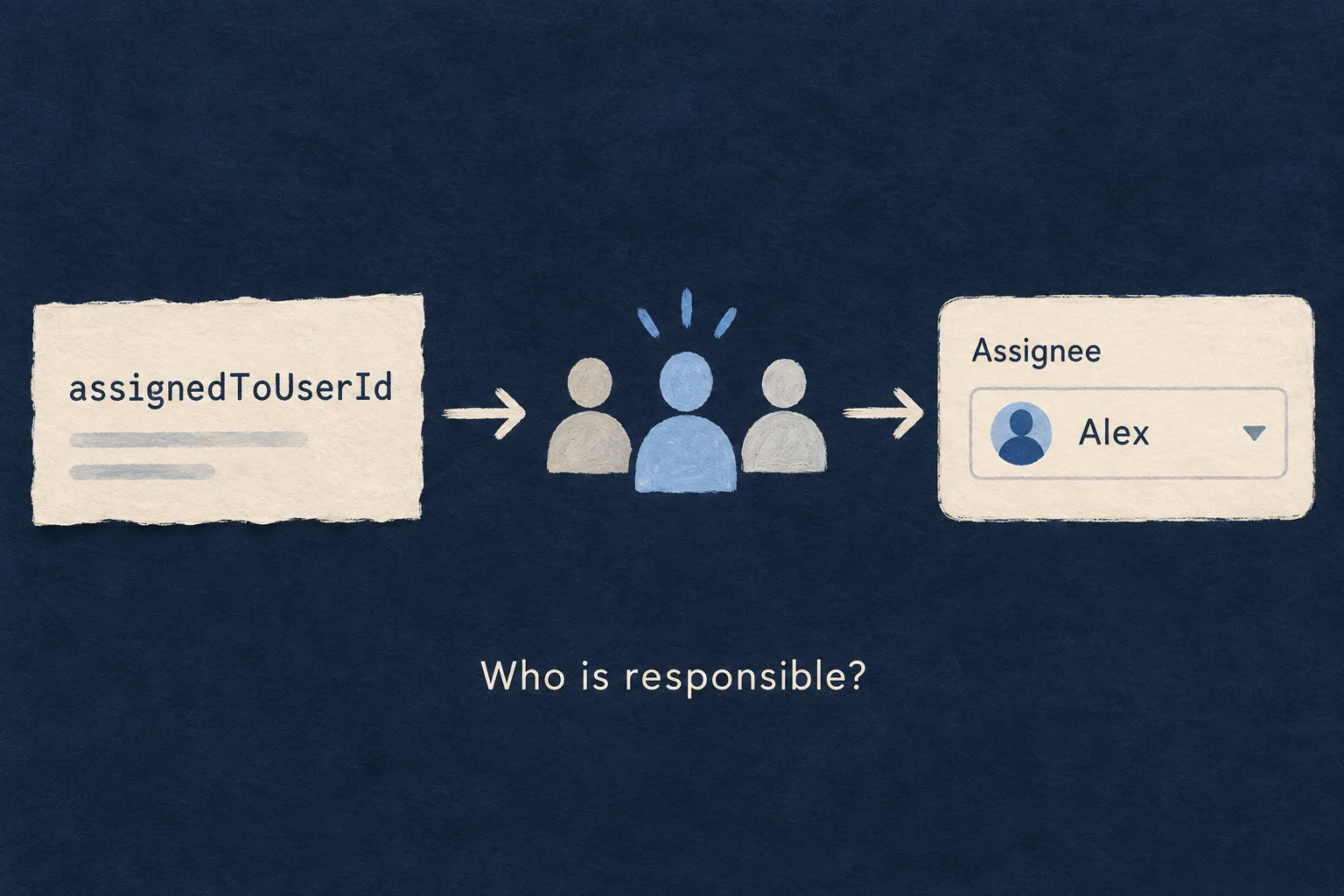
Take a field called assignedToUserId.
Turning it into “Assigned to user ID” is easy. Understanding that the screen lets someone choose the person responsible for a task is more useful. “Assignee” starts to make sense once you know the relationship and what the person sees.
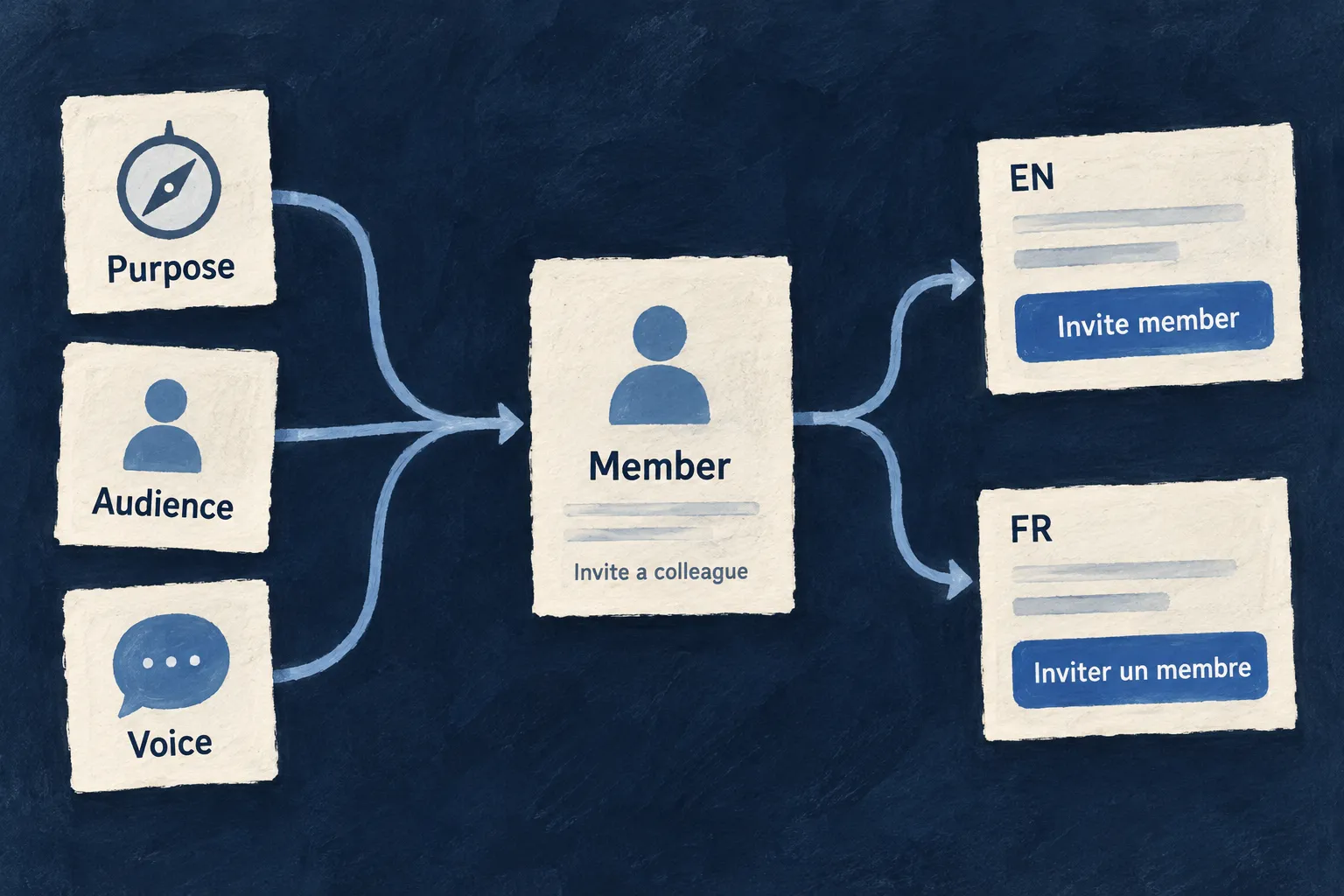
The same applies to actions. A developer may implement the creation of an organization membership. The person using the product wants to invite a colleague. “Create” and “Invite member” can refer to the same underlying operation, but they do very different jobs in the interface.
Translation alone cannot resolve that distinction. The model needs to know what the action means before it can express it in another language.
That became the more interesting problem for me: how do we give the model the context we already have, without writing a second description of the application just to generate its text?
Let the application supply the brief
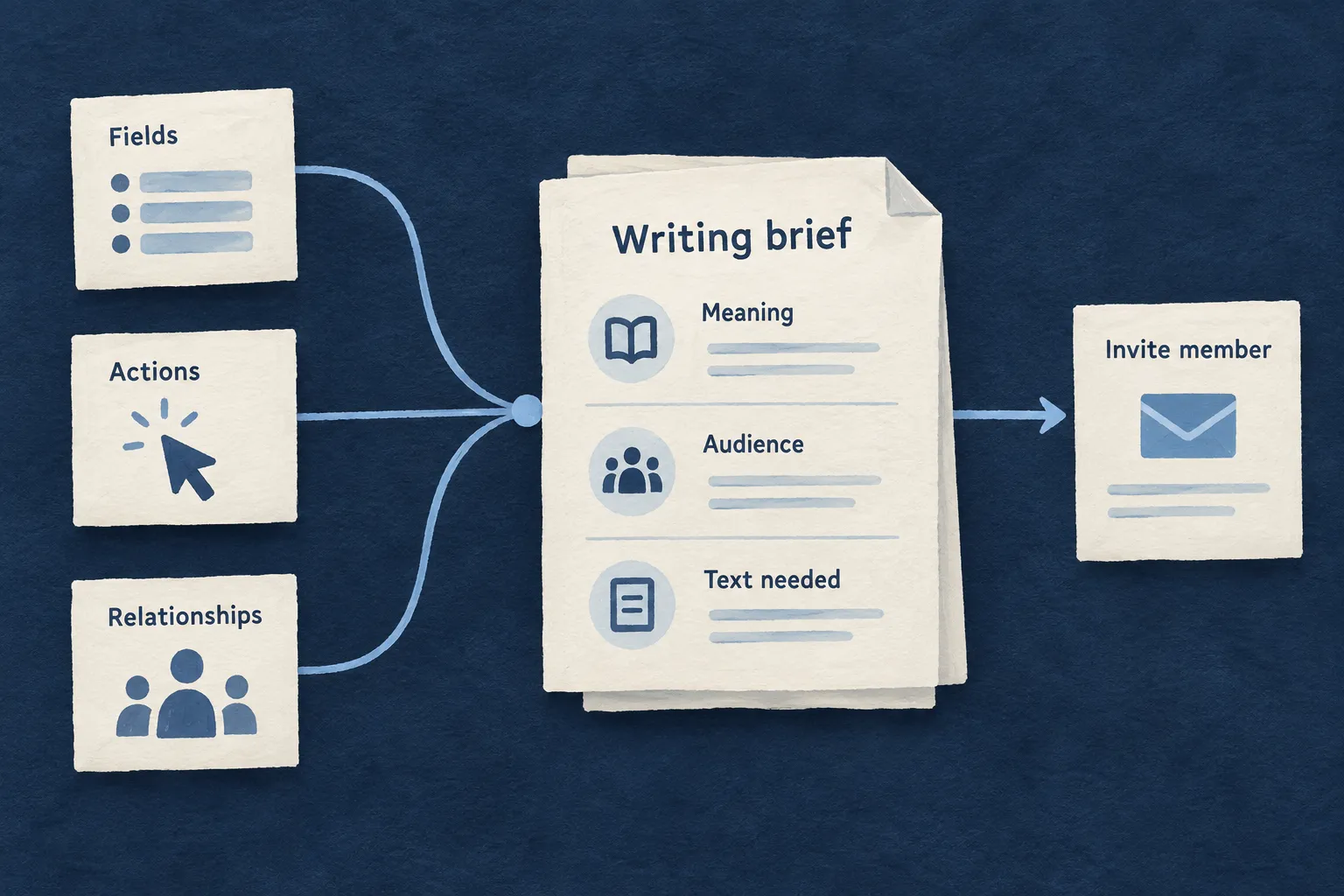
Wildo’s resource system describes business objects, their fields, relationships and operations. The associated specifications explain their purpose: what a field represents, what an action is meant to achieve, and who uses it.
The companion is the development service that brings this information together. Its introspection mechanisms inspect the application’s declared structure and frontend label requirements. A planner identifies the text that is needed, then the generation process combines those keys with the relevant specification context.
The brief becomes much more specific:
| What needs wording | Context that helps |
|---|---|
| A field label | What the field means, including the relationship it represents. |
| An action button | The operation’s purpose and intended outcome. |
| A hint or description | What this particular piece of text should explain. |
| A message with variables | Which values are available and what those values mean. |
The type of text matters too. A button needs a short action. A heading identifies a place. A screen-reader label needs enough information to make sense when spoken. Asking for “professional wording” across all three is not enough.
Wildo passes these distinctions into the generation prompt. The useful work is selecting the right context for each piece of text, rather than handing the model the entire codebase and hoping it finds the point.
Give the product a voice, without making every button a speech
I want an application to sound like one product, even when its screens were built at different times.
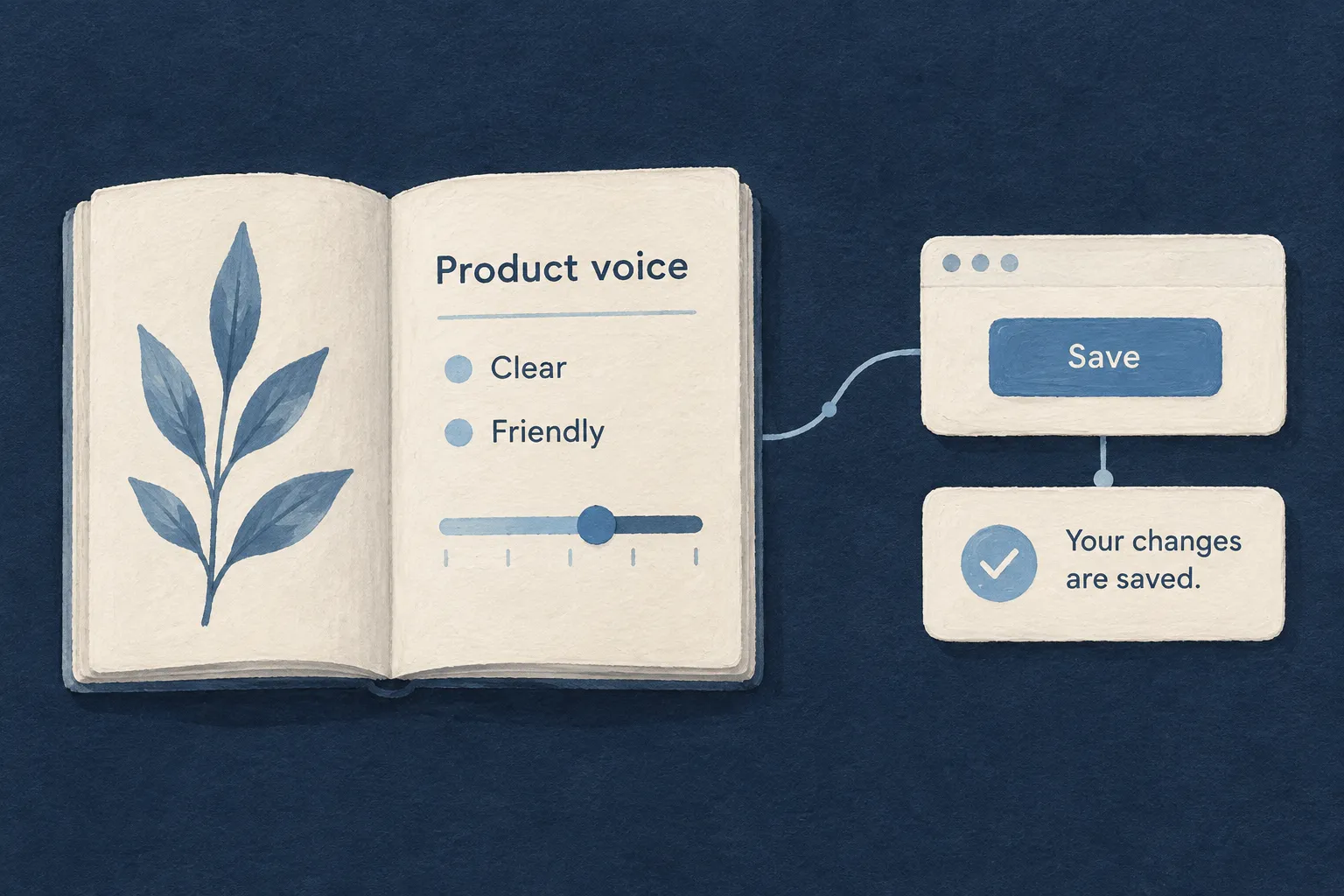
Wildo can feed the application’s declared voice into label generation: how formal or casual it should be, how it addresses the reader, and examples of wording to follow or avoid. For UI labels, that currently uses the application’s single declared voice; it does not arbitrarily pick one from several.
Concrete examples help calibrate what “friendly” means. So does a separate instruction that a button must remain short. A warm product voice is no reason to turn “Save” into a sentence.
The same distinction applies to the audience. A person assigning work needs different wording from an administrator configuring a technical integration. The model should know who is reading before it starts choosing words.
An email belongs to something that happened
Emails bring another layer of context. Who is receiving this? What happened? What should they do next? Which details can the template actually use?
In Wildo, resource operations can declare email deliveries. That connects the communication to application behavior. For the engine’s system emails, authored template specifications supply the writing brief: purpose, tone, the meaning of each text slot, available event data and business constraints.
Those are connected responsibilities. Declaring when an email should be sent does not, by itself, explain how to write it.
The system email for an organization invitation is a concrete example. Its brief says to identify the inviter and organization, explain the role being offered, provide an acceptance action and make the expiration window understandable. It also says to keep internal user identifiers out of the copy and use role names consistently with the application.
Example: an invitation should say who invited you, which organization you would join, and what accepting means. It should not sound as though you have already joined.
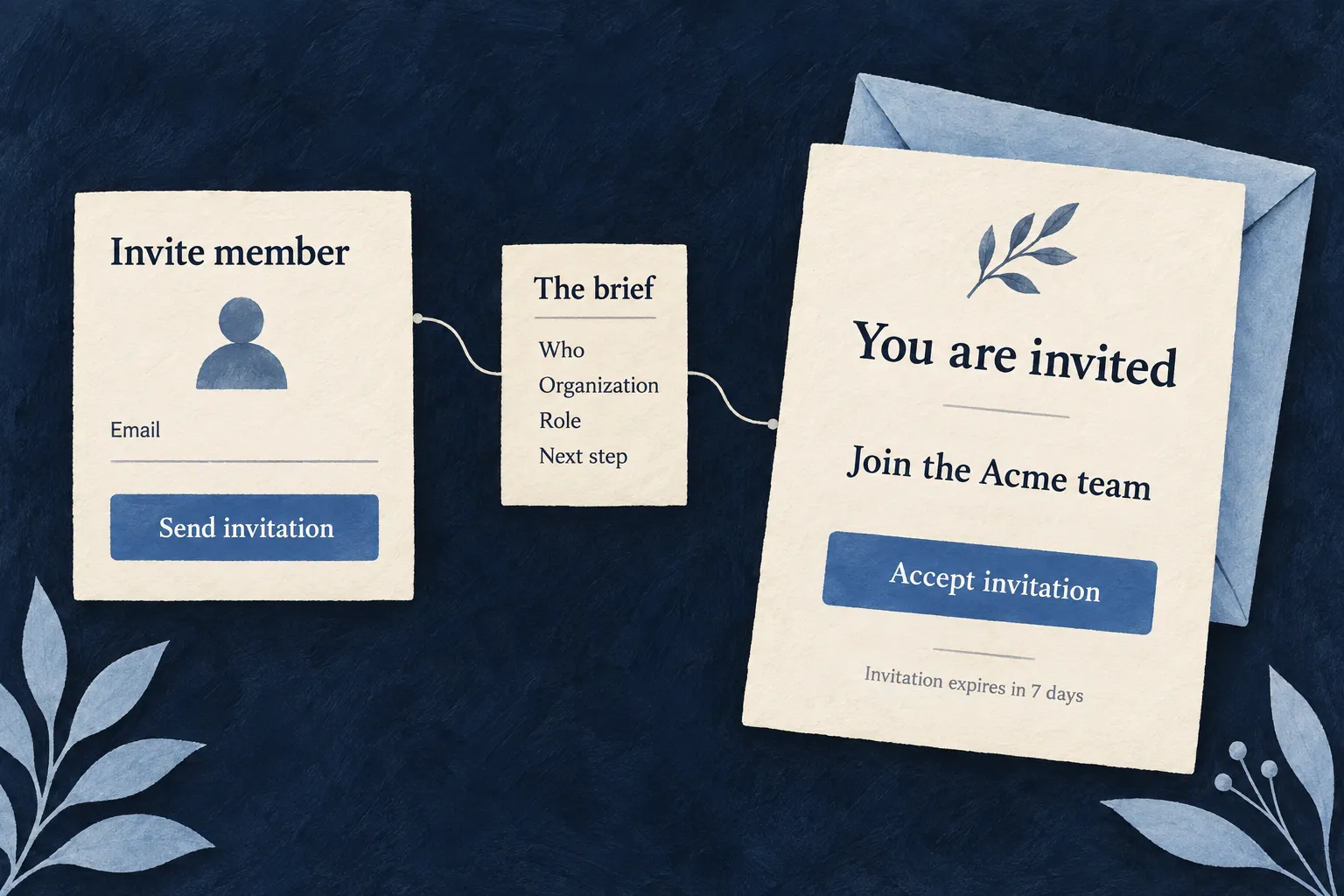
That is much stronger guidance than “generate an invitation email”. It gives the model facts to communicate and distinctions to preserve.
For these system templates, the companion supplies the authored specification context when generating the template and its labels. When rewriting an existing template, it also includes the current source and instructs the model to preserve its business behavior. The result separates the email’s structure from its localized wording.
Keep the useful work when the application changes
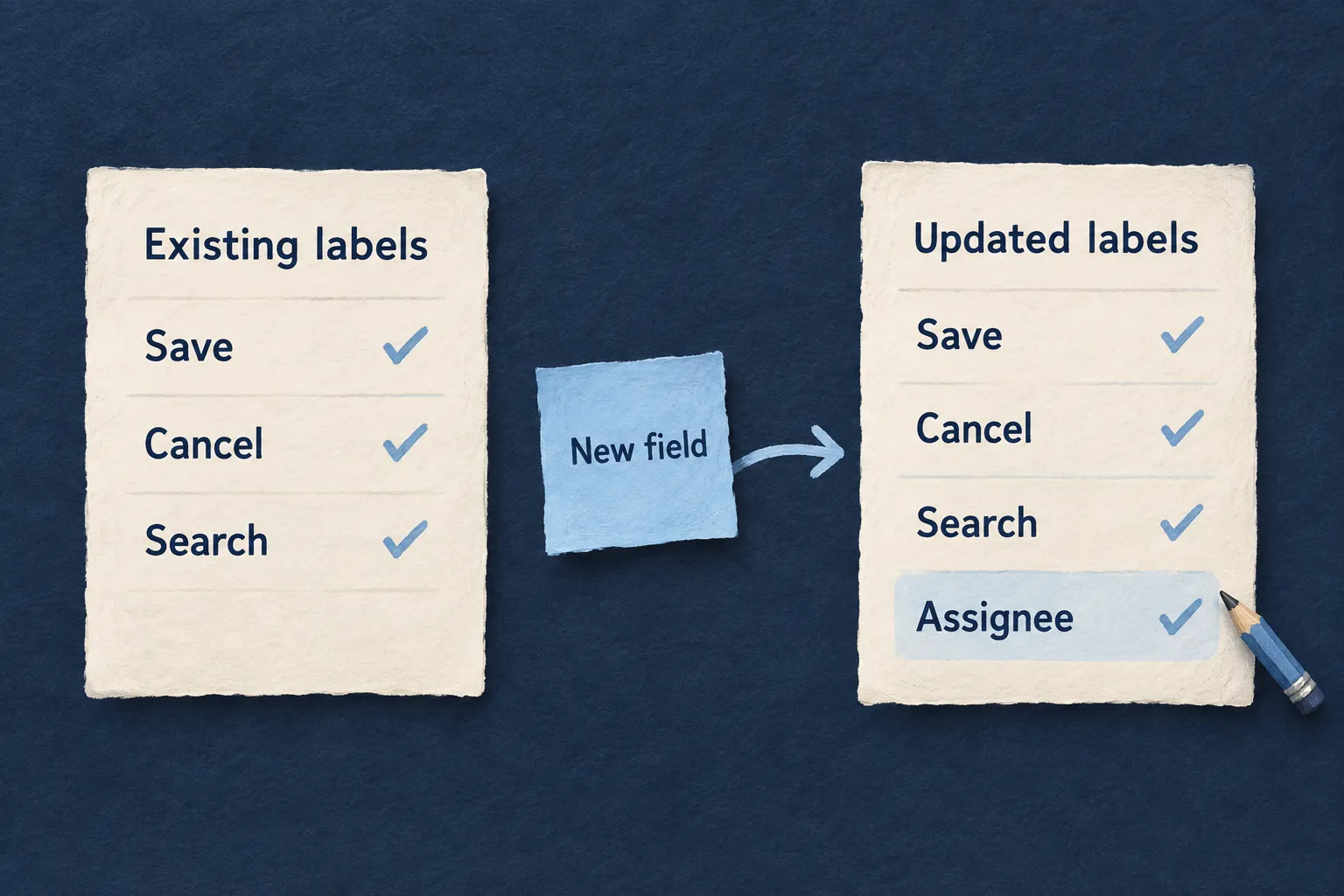
Generating everything again on every change would create a different maintenance problem: yesterday’s carefully chosen wording could disappear because someone added a field.
Wildo’s normal label-generation run fills missing labels while preserving existing ones. Rewriting established wording is an explicit regeneration choice. If the meaning of an action changes, that is a reason to revisit its text deliberately.
Translation starts from the primary-language labels and uses the relevant context. Declared placeholders are checked so that a translation does not quietly lose a value the application needs to insert, or invent one it cannot provide.
The outputs are application files: label catalogs for the interface, and templates with localized labels for emails. You can inspect them, correct them and review their changes. The companion also provides email previews and test sends, so the text can be checked in the message it actually belongs to.
This happens during development. The running application serves the prepared labels and renders the email templates with the data for each send. It does not need to ask an LLM what a button should say every time someone opens a screen.
Spend the effort on meaning
There is still editorial judgment involved. A fluent sentence can be wrong about the product. A clear specification, a preview and a review each do a different part of the job.
What I want to reduce is the repeated work of finding every place that needs text, explaining the same concept again, and carrying those decisions through another language.
The language model supplies the writing ability. Wildo supplies a structured brief from the application: its objects, actions, audience and communication contracts.
That is what makes this useful to me. The words can be generated with an understanding of the work they are supposed to do.
