
Change the interface without rebuilding the application
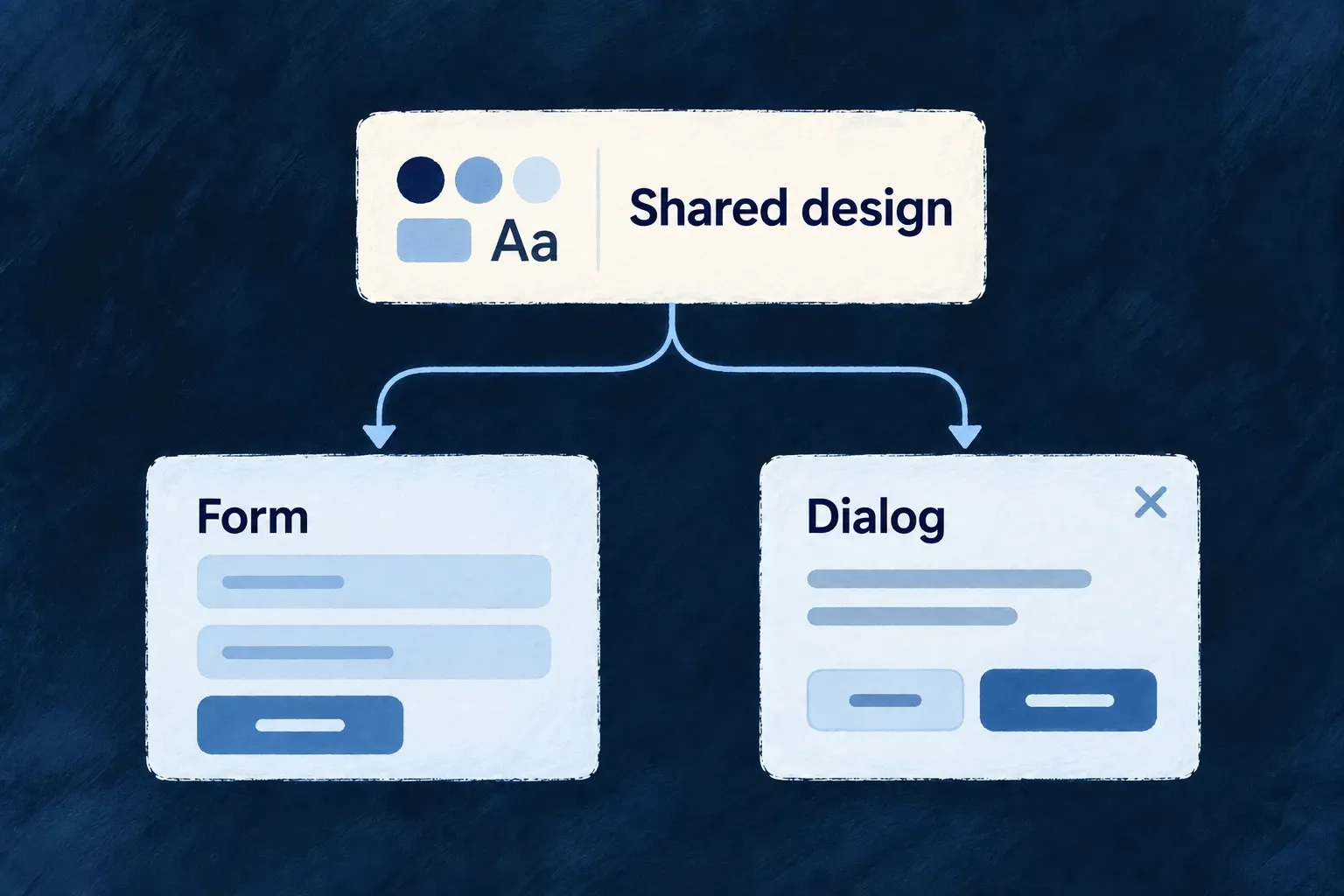
Behind the AI wave, another change has made frontend development much more interesting to me: we can separate styling, interaction and application behavior more cleanly.
Tailwind, headless components and shadcn/ui helped make that practical. In Wildo, I wanted to take it further: keep the application engine connected, while letting a product replace the visual parts it needs to change.
Styling and interaction became easier to separate
I used to move constantly between markup, semantic class names and stylesheets. Preprocessors helped organize the CSS, but following a component’s appearance across those files could become work in itself.
Tailwind brought much of that styling into the component. For example, this ordinary JSX describes the layout directly:
<div className="flex items-center gap-3 rounded-lg border p-4">
  {children}
</div>
You can see the alignment, spacing and border where you compose the element. For me, that made everyday changes considerably simpler.
Interaction is another layer. A dialog needs focus management and keyboard behavior as well as a border. Radix Primitives provides those foundations without fixing the visual design. shadcn/ui supplies useful component code you can own and adapt; its Radix-based components were an important reference for Wildo.
Wildo also needs the application behavior
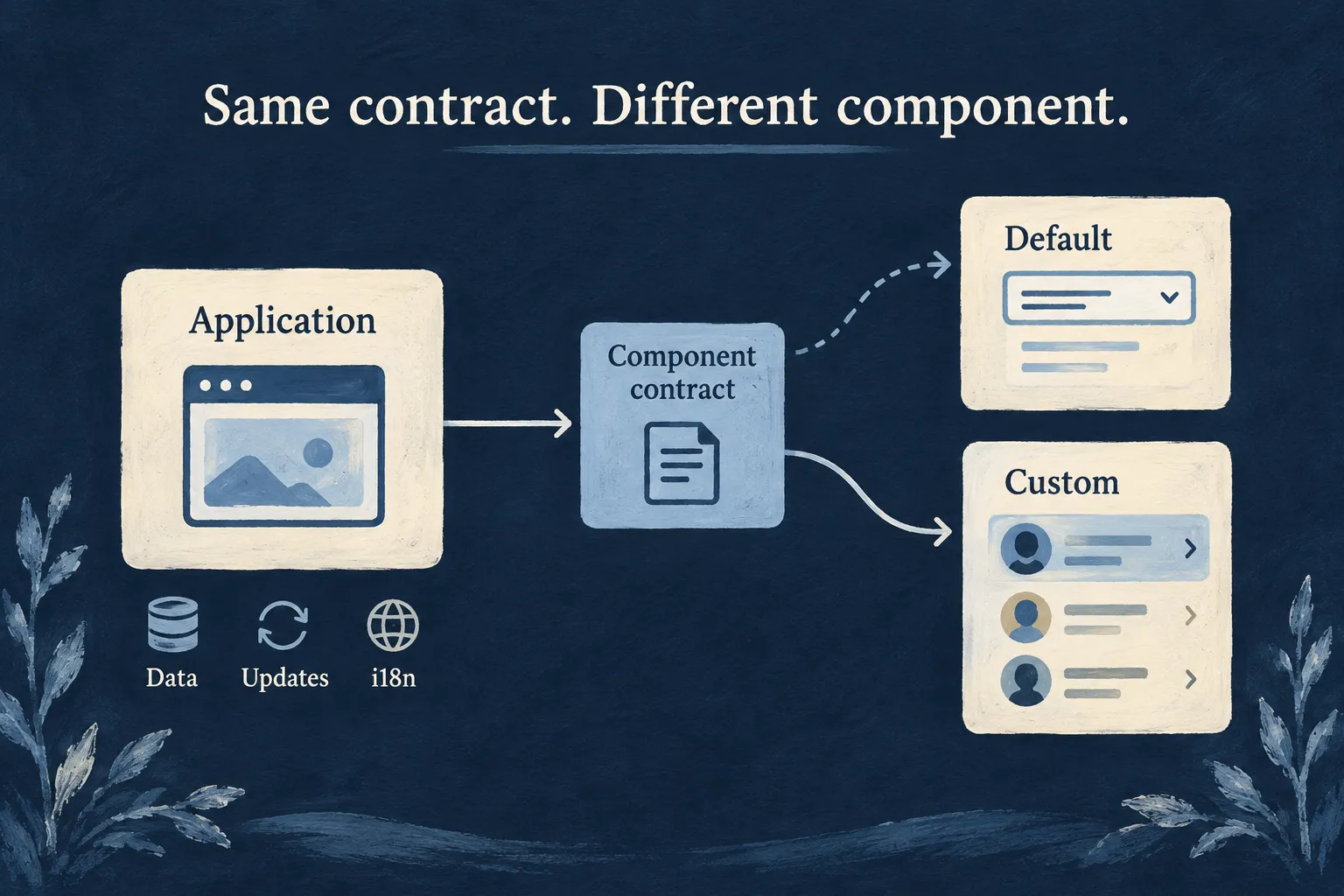
A business interface fetches records, coordinates loading states, manages edits, responds to updates and translates labels. I wanted those mechanisms shared across the application, with room for a custom interface where the product needs one.
My framework rule is simple: make the common 90% straightforward, and leave the other 10% possible.
After several attempts, I settled on dependency injection at the component level. Callers use a component contract. Registration chooses its implementation.
1. The caller uses a stable component
Here is Wildo’s button wrapper, reformatted from the implementation. Imports and its props declaration are omitted; ButtonWrapperProps combines the button contract with the preset selector.
export const Button = forwardRef<HTMLButtonElement, ButtonWrapperProps>(
  ({ preset = CorePresetNames.DEFAULT, ...props }, ref) => {
    const Component = createComponentResolver<ButtonProps>(
      FrontendComponentType.LOW_LEVEL_BUTTON,
      'Button',
    )(preset);
    return <Component ref={ref} {...props} />;
  },
);
The wrapper forwards the props and reference to the selected implementation. Callers do not need to import that implementation themselves. Loading state, variants and other supported button props remain part of the contract.
2. Registration supplies the implementation
This is the default registration from Wildo’s preset library. Here, Button is the concrete preset implementation, not the resolving wrapper above.
ComponentRegistryService.register(
  FrontendComponentType.LOW_LEVEL_BUTTON,
  CorePresetNames.DEFAULT,
  Button,
  { isConfigurable: true },
);
The key combines the component reference, preset and optional field category. Resolution uses a Map lookup:
const key = ComponentRegistryKeyBuilder.createKey(
  componentType, preset, category,
);
return this.registrations.get(key) || null;
There is no scan through the component library. Registering another implementation for the same key replaces what its callers receive. A different preset provides an explicitly selected alternative.
3. Replace only the part that needs to change
Consider a customer picker. You want a different editing presentation, while retaining the existing read-only display and selection behavior.
Resource-reference fields have separate EDIT and DISPLAY registrations. This illustrative adapter wraps the existing edit implementation with an application-owned CSS hook:
import { forwardRef } from 'react';
import {
  ComponentRegistryService,
  type ResourceFieldEditPreset_ResourceReference_DefaultProps as PickerProps,
  type ResourceFieldEdit_ResourceReferenceRef as PickerRef,
} from '@wildo-ai/saas-frontend-lib';
import {
  FrontendComponentType,
  CorePresetNames,
  FrontEndComponentResourceFieldCategory,
} from '@wildo-ai/presets-components-models';

export function registerApplicationPicker(): void {
  const slot = FrontendComponentType.RESOURCES_FIELDS_RESOURCE_REFERENCE;
  const preset = CorePresetNames.DEFAULT;
  const category = FrontEndComponentResourceFieldCategory.EDIT;
  const Original = ComponentRegistryService.resolve(slot, preset, category);
  if (!Original) throw new Error('Register framework presets first');

  const ApplicationPicker = forwardRef<PickerRef, PickerProps>((props, ref) => (
    <Original
      {...props}
      ref={ref}
      className={['application-customer-picker', props.className]
        .filter(Boolean).join(' ')}
    />
  ));
  ApplicationPicker.displayName = 'ApplicationPicker';

  ComponentRegistryService.register(slot, preset, ApplicationPicker, {
    category,
    isConfigurable: true,
  });
}
Call this function at the end of the application’s component loader, after framework defaults and module registrations. Define the CSS hook in the application stylesheet. The existing control still handles its interactions; only its edit registration changes.
Capture Original before registering the replacement. Rendering the resolving wrapper inside its own replacement would resolve back to itself.
This key is shared by default resource-reference editors, so this adapter affects all of them. For a customer-only experience, use a separately selected preset or a dedicated view. A completely new picker can replace the adapter, but must honor the value, callback, disabled-state and ref contract, including keyboard and accessibility behavior.
Keep the shared engine behind the custom interface
The registry does not fetch data or manage WebSockets. It lets presentation change while components continue to use the framework’s resource, loading, update and translation mechanisms. A custom implementation connects to those services and contexts where needed; registration alone does not wire them in.
That separation works at several levels: a control inside a field, fields inside a form, or a specialized view inside the application. The important decision is where the replacement belongs.
I wanted a rich component library that applications could grow with. This design gives me shared behavior, useful defaults and explicit places to customize—without requiring every product to rebuild the frontend around them.